36
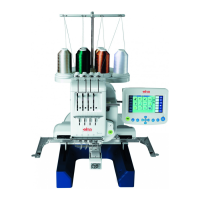
elna 9900
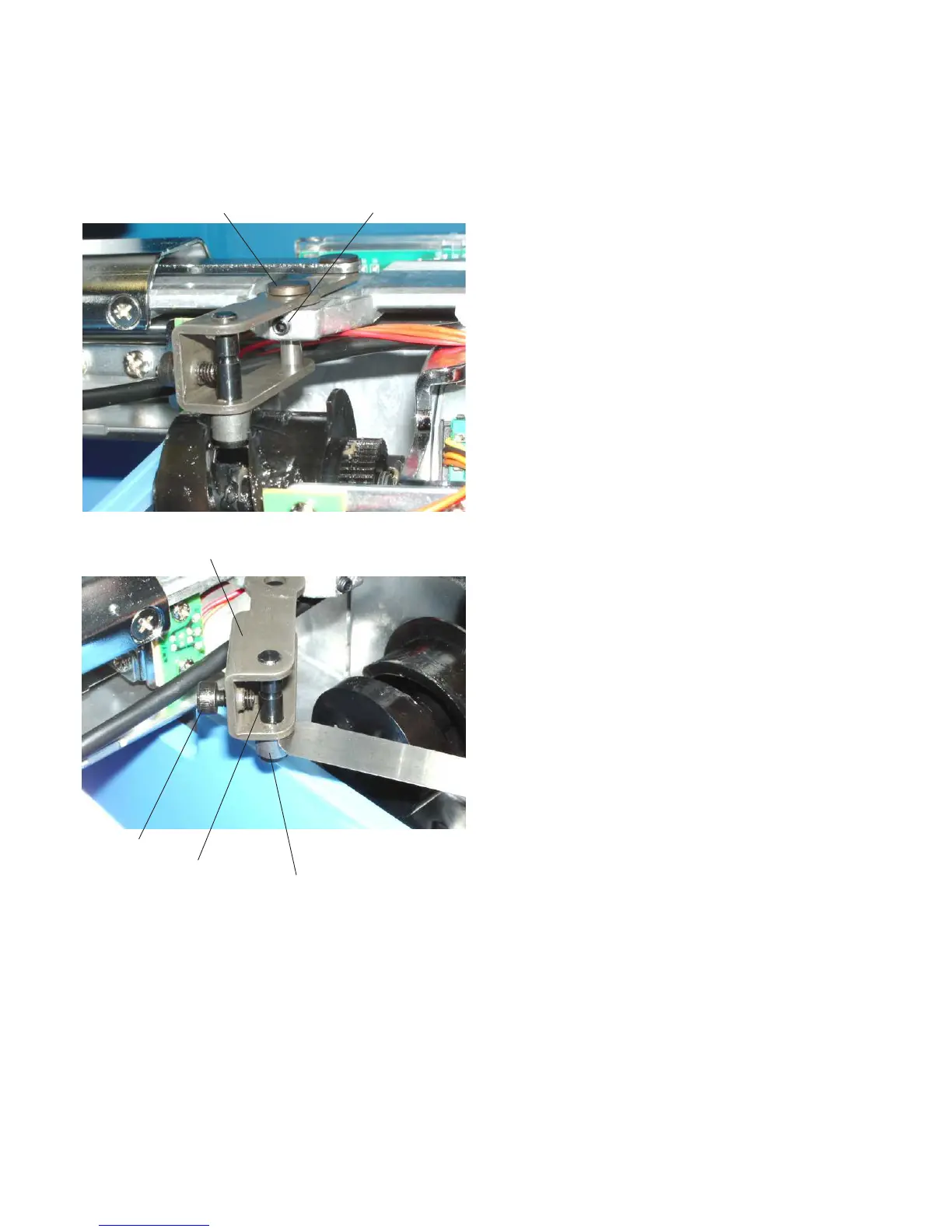
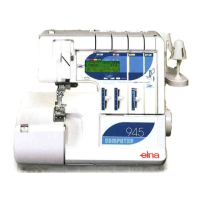
Replacing the Thread Cutter Driving Roller
1. Remove the spool stand, static head cover (right) and
right cover (see pages 4 – 6).
2. Loosen the setscrew and remove the pivot pin.
Remove the lever unit from the frame.
3. Loosen the setscrew and remove the roller shaft.
Replace the thread cutter driving roller.
4. Insert the 0.05 mm thick gauge between the lever
unit and thread cutter driving roller.
Tighten the setscrew securely.
5. Attach the lever unit to the frame and insert the pivot
pin. Tighten the setscrew securely.
6. Adjust the position of the dynamic cutter blade (see
page 37).
7. Attach the parts remove in step 1.
Pivot pin
Setscrew
Setscrew
Lever unit
Roller shaft
Thread cutter driving roller


 To Next Page