4
elna 9900
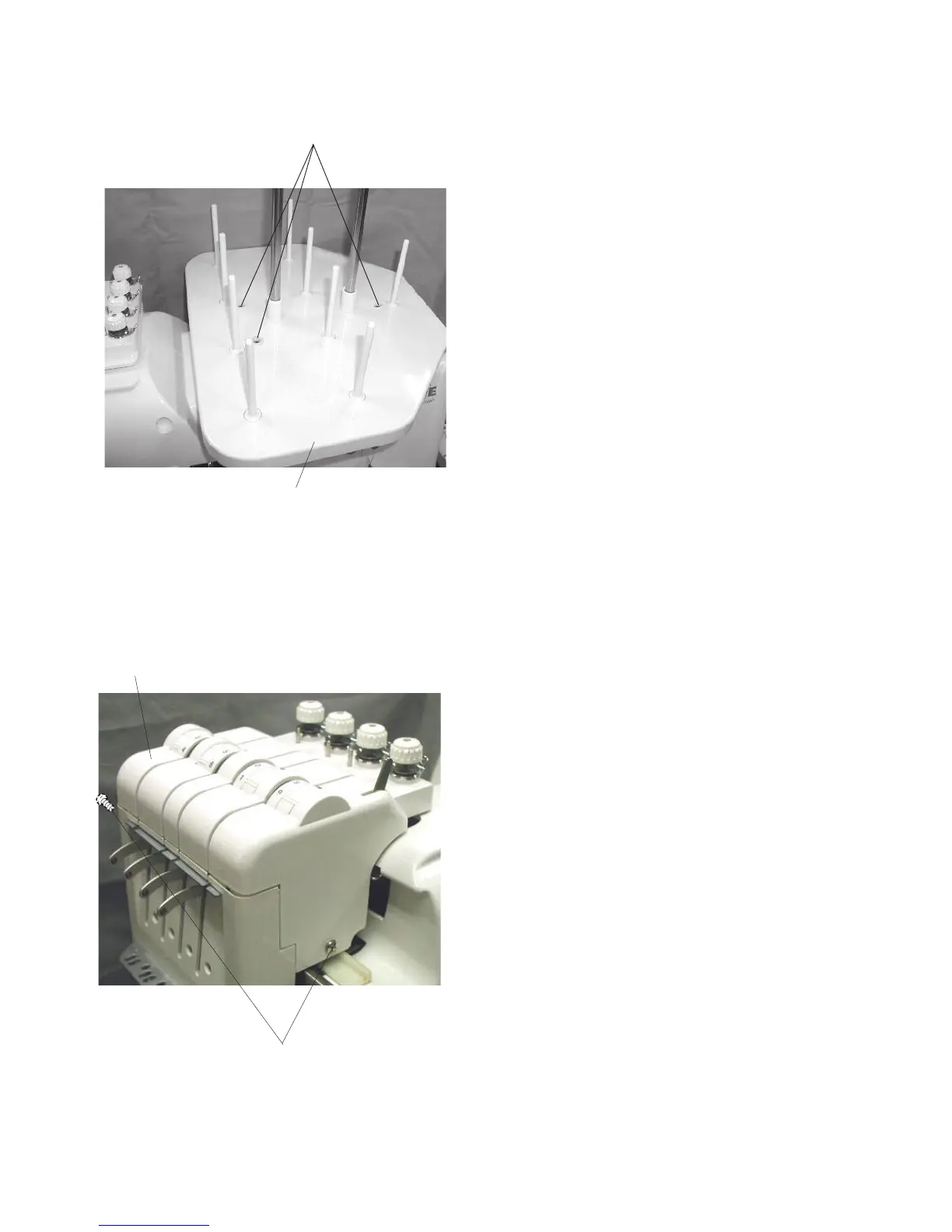
Replacing the Tension Unit Cover
Setscrews
Spool stand
Tension unit cover
To remove:
1. Remove the 3 setscrews and spool stand.
To attach:
2. Attach the spool stand and tighten the 3
setscrws.
Setscrews
Replacing the Spool Stand
To remove:
1. Remove the 2 setscrews and tension unit cover.
To attach:
2. Attach the tension unit cover and tighten the 2
setscrws.



 To Next Page