There are no special requirements for setting up the computer monitor and printer. They can be
placed on a normal desk.
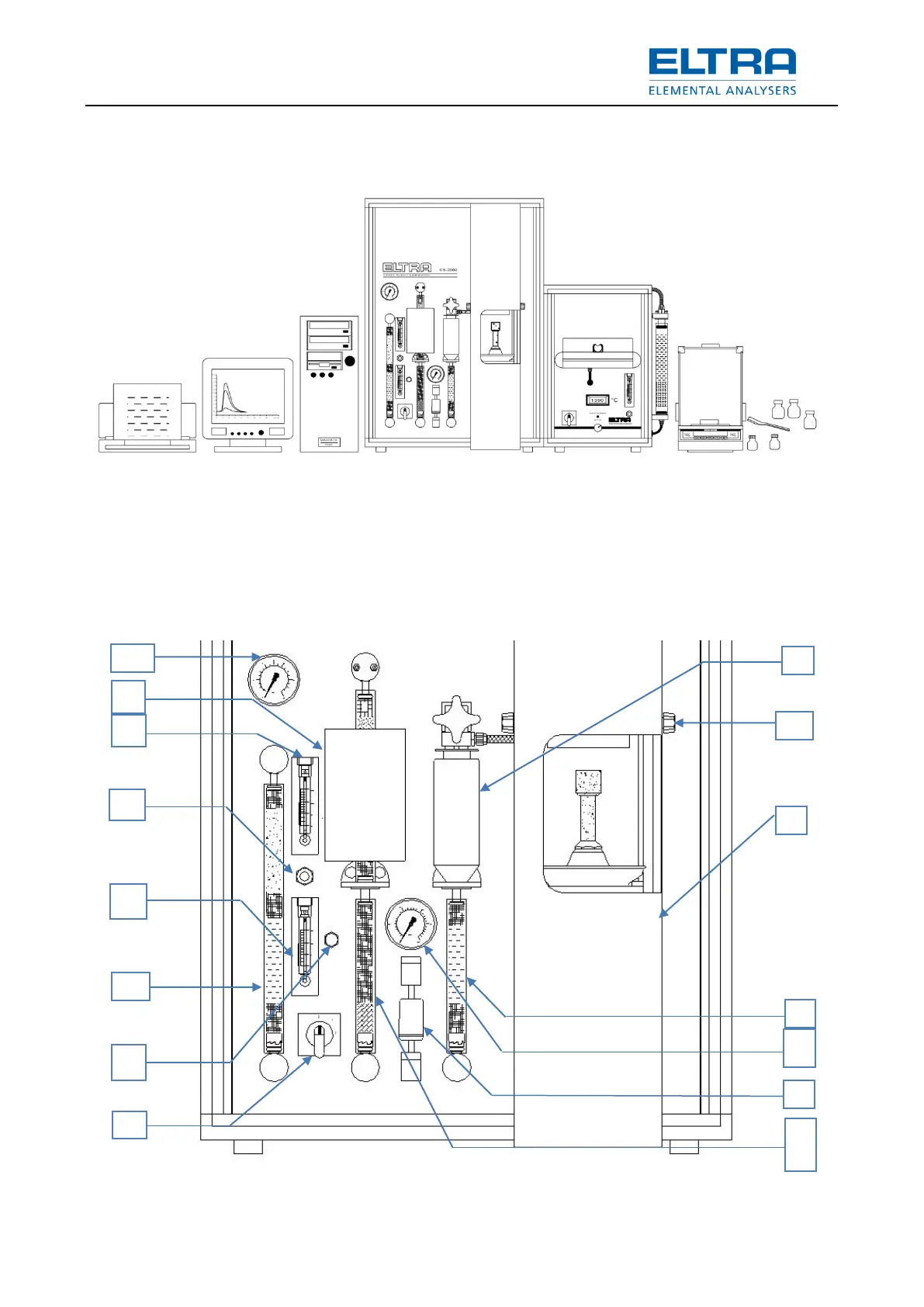
Below is an example of installation:
: Example of installation
Although the analyzer’s operating environment does not necessarily need to be air conditioned,
it is advisable to keep the room temperature between 18°C and 30°C.
Under no conditions should the device be exposed to direct sunshine!
Avoid places exposed to the wind of air conditioners or to the wind blowing through open
windows or doors.
4.2 Front panel illustration



 To Next Page
 Loading...