7. Product Description CC300 Operator Panel – User Guide
7.1.1. On/Off Button
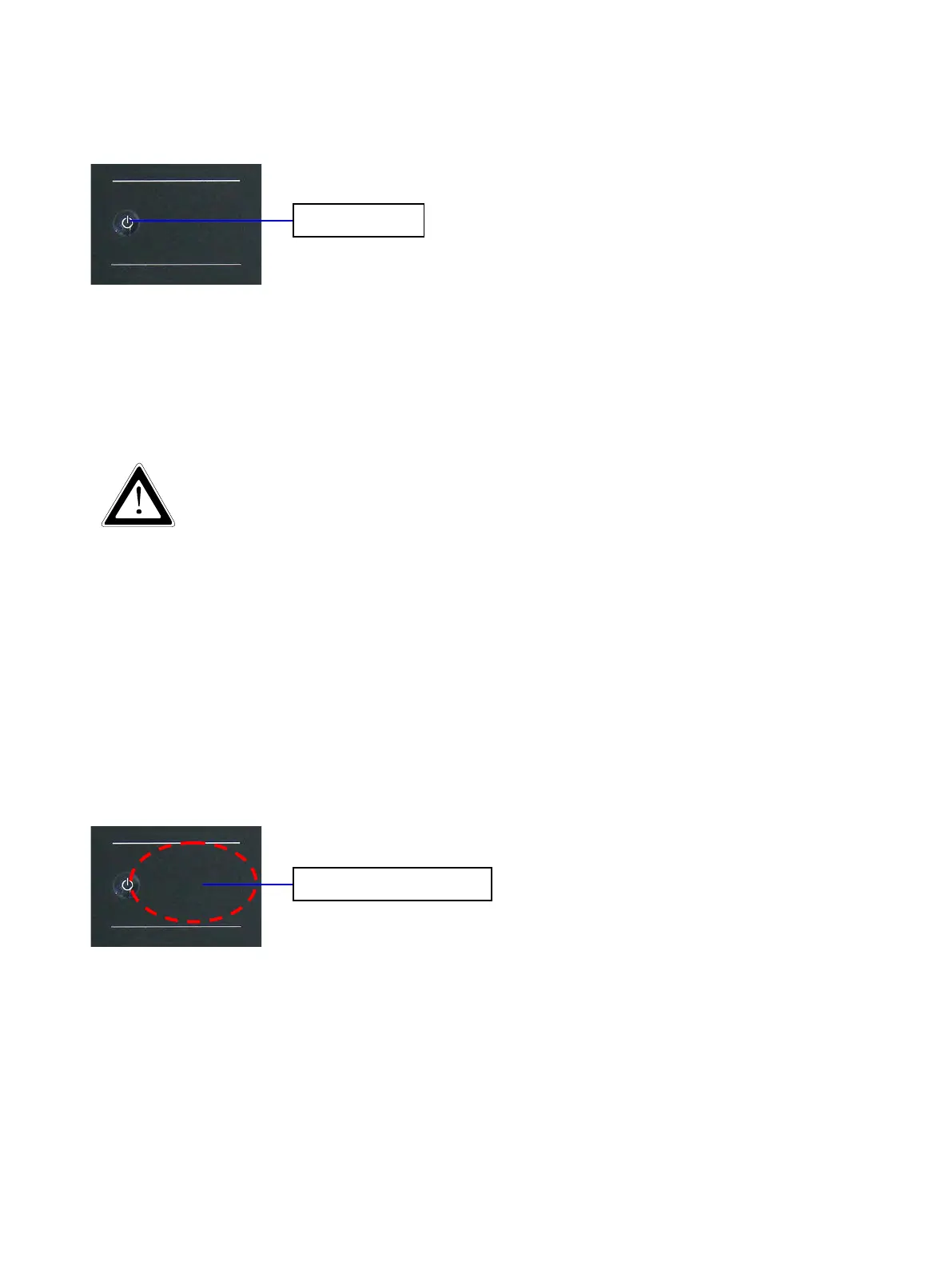
Fig. 9: On/Off button
The On/Off button allows to boot up/shut down the system. It is a capacitive button with white LED
backlight, located top left on the front plate (see also Fig. 8, Pos. 1). The button responds to light touch of
a finger or but for safety reasons it has to be pressed for 10 seconds (e.g. to initiate a shutdown of the
system).
Even when the system is turned off via the On/Off button there is still a standby-voltage
on the mainboard. The system is not completely disconnected from the main power
supply (DC) by switching off via the On/Off button.
The unit is only completely disconnected from the DC main power supply, when the DC
power is cut off by an isolating switch or when the power cord is disconnected either
from the DC main power or the unit. Therefore, the DC power cord and its connectors
must always remain easily accessible.
To avoid the risk of data loss, always shut down the system before you cut off the
power using an isolating switch!
7.1.2.
7.1.3. RFID Read/Write Zone
Fig. 10: RFID-read/write zone
On the right side of the On/Off button the RFID read/write zone is located (see also Fig. 8, Pos. 2). At this
position the RFID antenna is mounted to the rear side of the front glass. RFID-equipped objects (e.g. ID
cards, smart cards, RFID labels) can be read or written by the CC300 operator panel, when held against the
front glass within the read/write zone. The RFID data will be processed by the installed software (e.g. user
login with different authorizations for different user accounts).
20 Preliminary Version 0.2


 To Next Page