7. Product Description CC300 Operator Panel – User Guide
7.1.8. Traversing Buttons
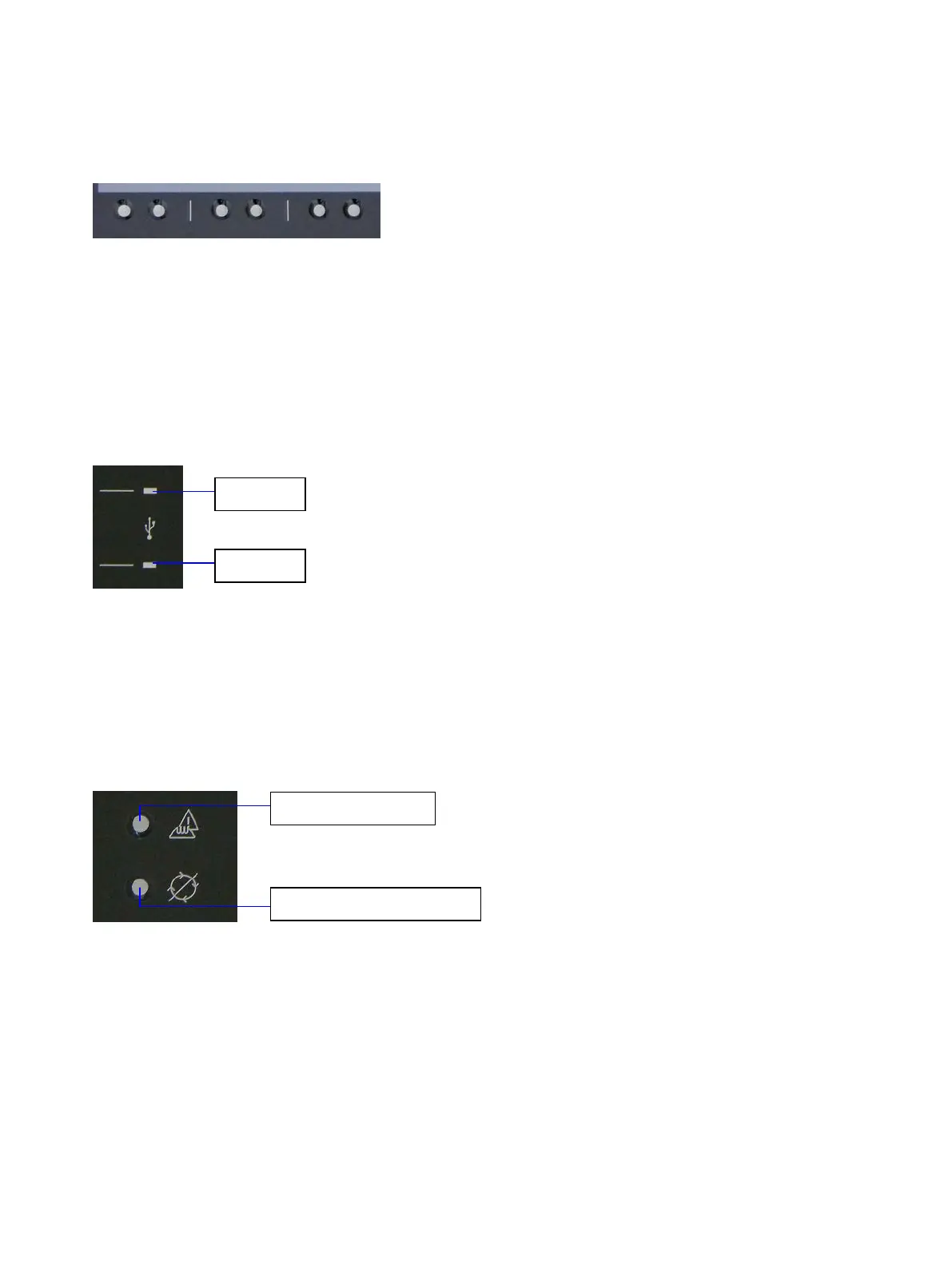
Fig. 13: Traversing buttons below the touch display
Directly below the touch display, arranged in pairs, six traversing buttons are located, (see also Fig. 8, Pos.
4), which are processed by the capacitive touch of the display. The function of the buttons may be changed
by the software; the current function will be displayed on the display directly above the corresponding
buttons.
7.1.9. Markings for the USB Ports
Fig. 14: Markings for laterally mounted USB 2.0 ports
At the bottom left of the front plate, an USB symbol and two markings for the positions of the laterally
(behind the front plate) mounted USB 2.0 ports are located (see also Fig. 8, Pos. 5 and Fig. 23). The USB
symbol and the markings are backlit white.
7.1.10. Permissive Button and Program Interrupt Button
Fig. 15: Permissive button and program interrupt button
Below the traverse buttons, on the right of the USB markings, the permissive button (see also Fig. 8,
Pos. 6) and the program interrupt button (see also Fig. 8, Pos. 7) are located.
The capacitive permissive button will be used in certain situations in addition to a traverse button or a
button displayed on the display. In idle mode, the permissive button and its related symbol are backlit
white. The backlight changes to blue when the permissive button is pressed.
Preliminary Version 0.2 23


 To Next Page