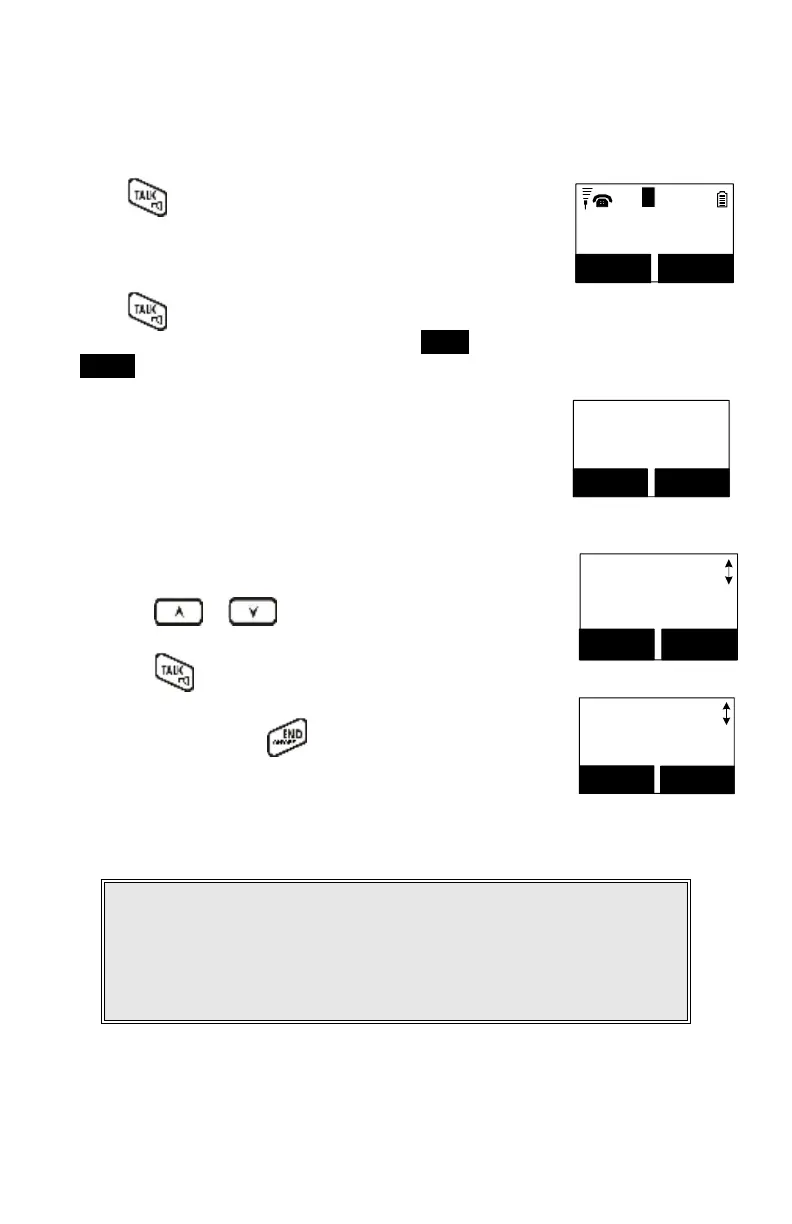
Press , wait for dial tone, then enter the phone
number.
11
Press REDIAL
or dial number
REDIAL MENU
Alternatively, you can enter the phone number first, then
press
key.
When using this method, you can use the CLEAR (Left) and
DELETE (Right) soft keys to edit the number entered.
“Delete” erases the last digit entered. “Clear” erases the
entire line but remains in the dial-and-send dialing.
Speed dial by accessing the entries in the phone book.
(Menu2)
Main Menu
2.PhoneBook
SELECT BACK
Press or scrolling key to enter the phone
book.
Press to dial the number.
To abort dialing, press key.
Notes:
1. If a link cannot be established, the LCD will show “Base not found”
after a 6-second time out.
2. A call duration timer will start displaying the length of the call after
a link is established.



 To Next Page