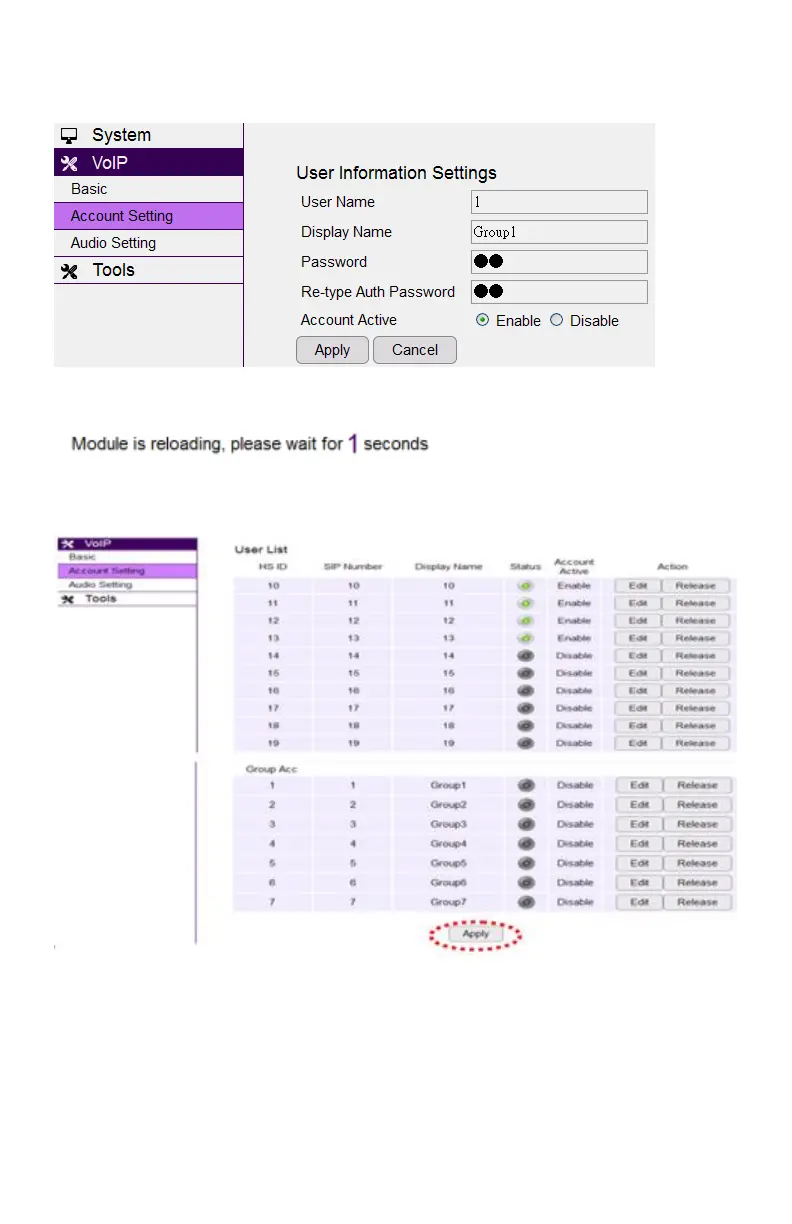
Click the Apply button to save the setting as the screen shows:
After you finish these account settings, you need to click the Apply button as shown
in red to activate the setting.
Audio Setting
In Audio Setting, after you change the setting and click Apply, you will need to
power cycle the base in order for any changes take effect.



 To Next Page