Enter the Group ID and then press and hold
key.
Start speaking the broadcast message once you hear the key tone; the
speakerphone of destination handsets will open when it receives the voice.
Re: the initiating handset needs to press and hold key while
speaking or broadcasting.
Release key to end the broadcasting.
Broadcasting to an individual handset
11
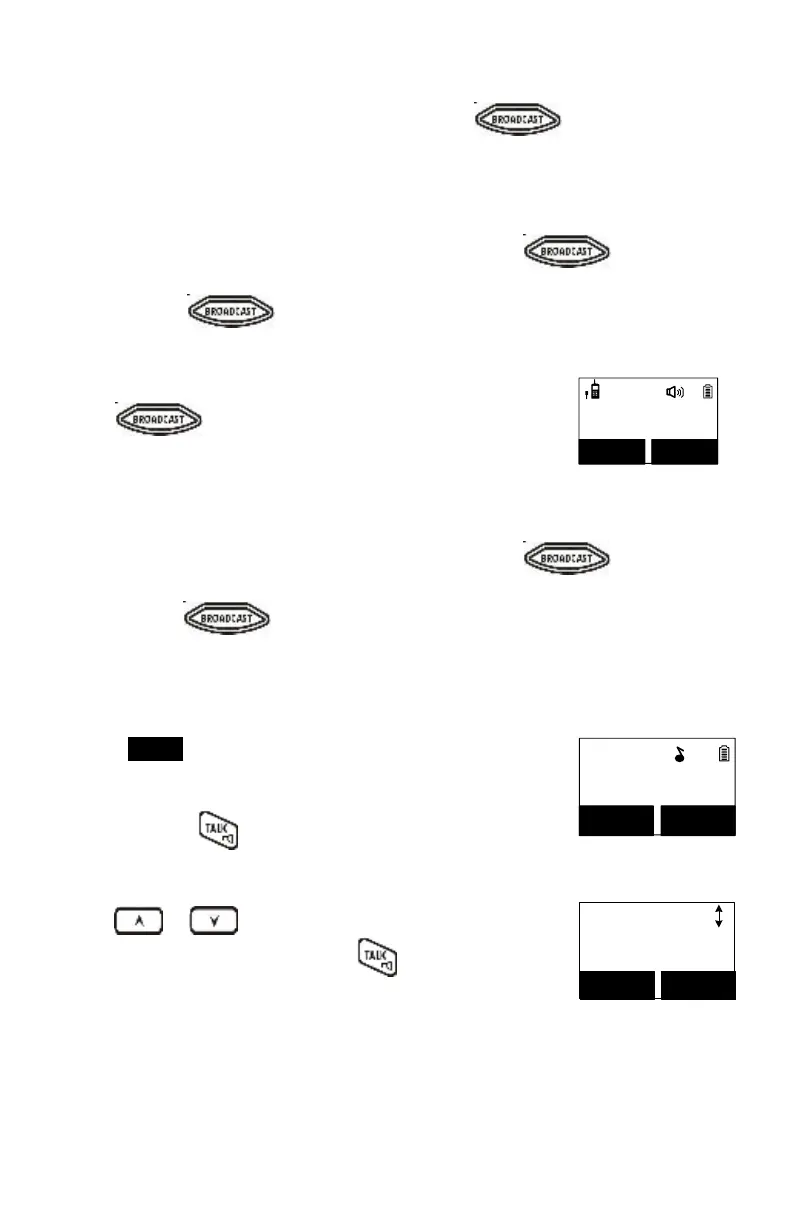
PA to HS #12
REDIAL MENU
12
Enter the Handset ID and then press and hold
key.
Start speaking the broadcast message once you hear the key tone; the
speakerphone of destination handsets will open when it receives the voice.
Re: the initiating handset needs to press and hold key while
speaking or broadcasting.
Release key to end the broadcasting.
Press REDIAL (Left) soft key.
The LCD shows the last phone number dialed. To dial this
number, press key.
Use or key to scroll through the last 10 phone
numbers dialed. Select and press key to dial the
selected number.
Dialed #1:
033289289
OPTION BACK
Note: Intercom numbers (Handset ID) are not stored in the
last 10 numbers dialed log.



 To Next Page