(1) Press and hold the register key on the base until the “INTERCOM” LED changes
to a flashing status. The base can perform the handset registration while the LED
is flashing.
(2) On handset, enter “MENU, 7, 1” to enter the registration.
(3) The assigned ID (from 10 to 19) will be displayed on handset LCD, indicating
successful registration.
(4) Repeat the above steps for all additional handsets.
Default Settings
Connect the Internet port to the DuraFon-SIP’s LAN port.
Web Configuration
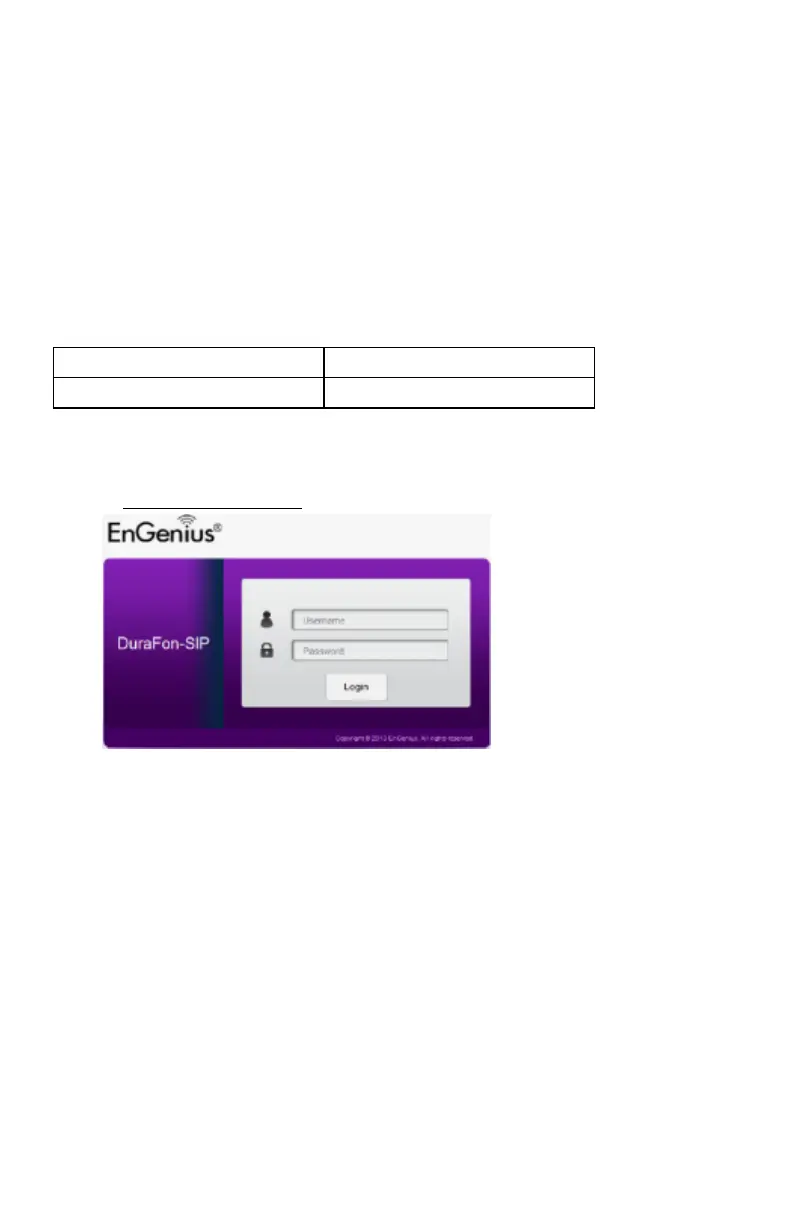
Open a web browser (Internet Explorer/Firefox/Safari /Chrome) and enter the IP
Address http://192.168.1.156
The default username and password are admin. Once you have entered the correct
username and password, click the Login button to open the web-base configuration
page. If successful, you will be logging in and see the configuration of DuraFon-SIP.



 To Next Page