Phone Book
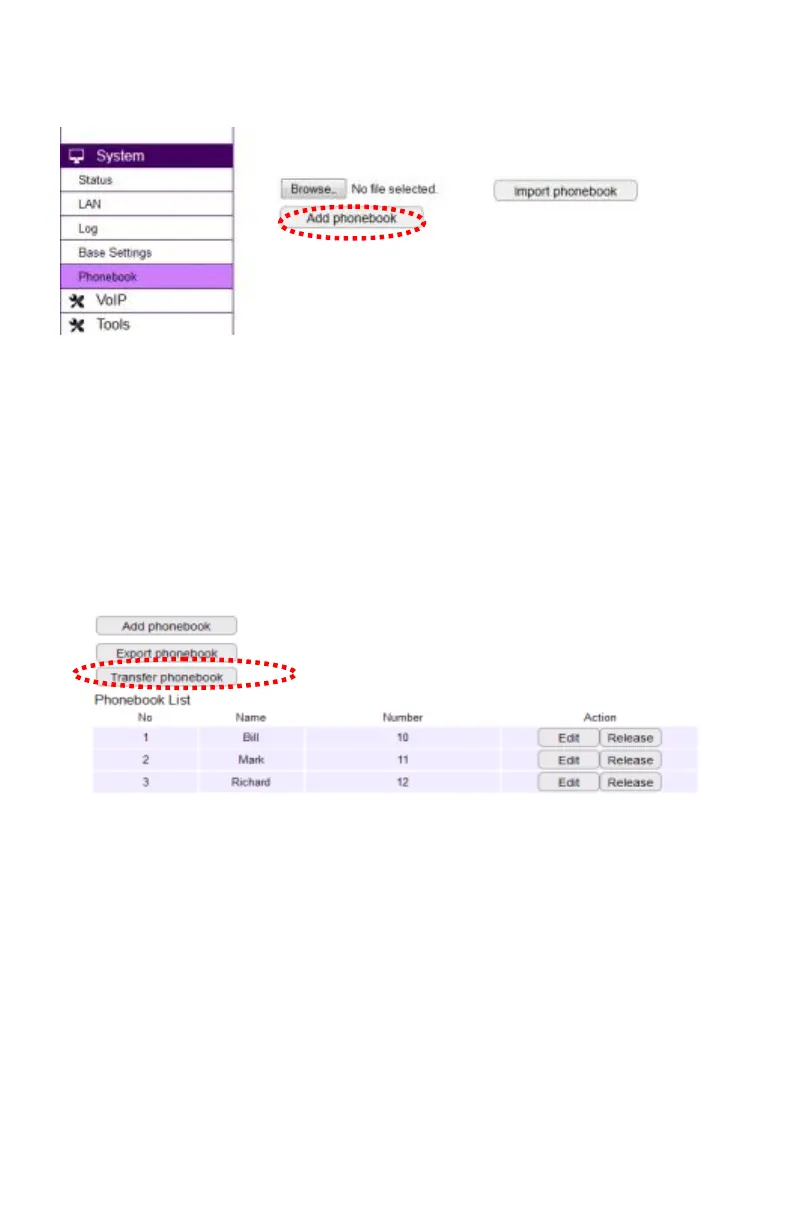
You can store up to 50-entries in the phone book on the DuraFon-SIP base.
- Click the Add phone book button to add entries. Click the Export phone book
button to export this phone book to a specific file in .csv format.
- If you have this contact list file in advance, you can click the Browse button to
select it, and click the Import phone book button to import the contact list.
Note: After you edit all entries in the phone book via web interface, you need to
place handsets in receiving phone book mode. Click the Transfer phone book
button to send the phone book over the air. See phone book transfer via web on
page 43.



 To Next Page