Press 2 to “Manual.” When pressing
key in
standby mode, the handset LCD will show the available
line. Press or to scroll the options: 1. SIP,
2. Line. Press 1, you can select the SIP line 1 to make a
call.
Press 3 to “Off.” The hanset is disabled from making
any outgoing calls.
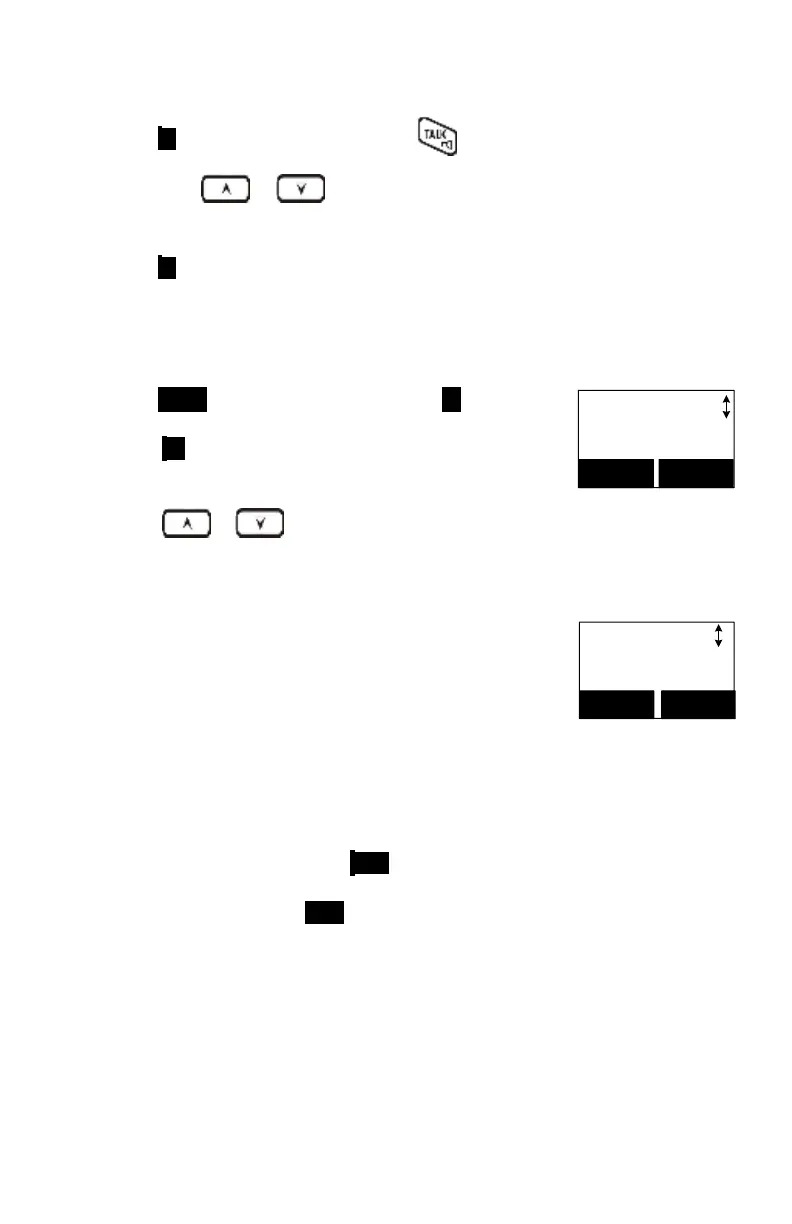
Press MENU (Right) soft key followed by 4 to enter the
Call Settings mode.
Press 3 to select Call Manager, and enter handset’s
password (4-digits).
Press or to scroll the options: select “Call
Barring” to block users from dialing long distance or
international calls. This also blocks incoming calls from
outside lines or other registered handset.
Call Settings:
3.Call Manager
SELECT BACK
Re: Default Call Barring is “OFF.”
Call Manager
4.Call Barring
SELECT BACK
To add the Call Barring code:
Once you turn on the Call Barring feature, you can key in
the “Call Barring” code.
To add one block code, press ADD (Left) soft key then
start entering the Call Barring code. After entering the
Call Barring code, press SAVE (Left) soft key to save.
Up to 5-digits can be edited for the Call Barring
code. For example, if you want to block all calls
dialing to Manhanttan, NY area, you can enter 1212
as the Call Barring code.
If your base station is adjuct to a PBX system, please
also include that specific number to retrieve the
PSTN tone.



 To Next Page