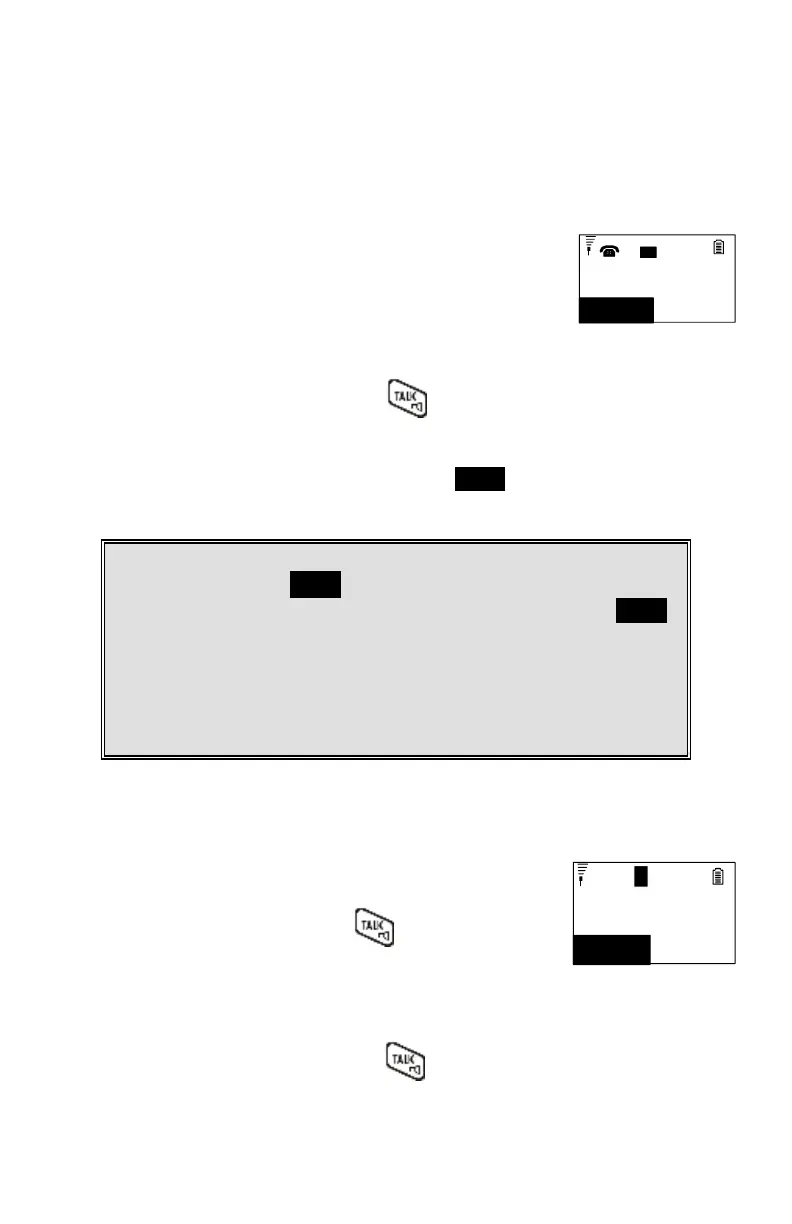
Receiving a Telephone Call
When an incoming call arrives, the LCD will show the Caller
ID message, and the ringer will ring or vibrate unless the
ringer has been turned off.
If the handset is on the charger cradle (ringer will be
temporarily switched to “Ring” if it has been set to
“Vibrate”), lift the handset and press key to start a
conversation.
You can turn on the “Any Key Talk” from MENU-5-2.
Notes:
1. You can press SILENT (Left) soft key if you choose to ignore the call.
Unlike turning off the ringer (from the handset menu), the SILENT
key operation is valid only for the current call.
2. If Caller ID service is available, the LCD will display the incoming call
information. If the LCD shows “Private” or “Unknown,” the caller or
the originating phone company may have blocked the caller’s
information.
Receiving an Intercom Call
When an intercom call arrives (called from other handsets,
ex. Handset 12), the ringer will ring or vibrate unless the
ringer has been turned off. Press to answer the
intercom call.
Incoming page
from Ext #12
SILENT
11
L
1
If the handset is on the charger cradle (ringer will be
temporarily switched to “Ring” if it has been set to
“Vibrate”), lift the handset and press key to start a
conversation.



 To Next Page