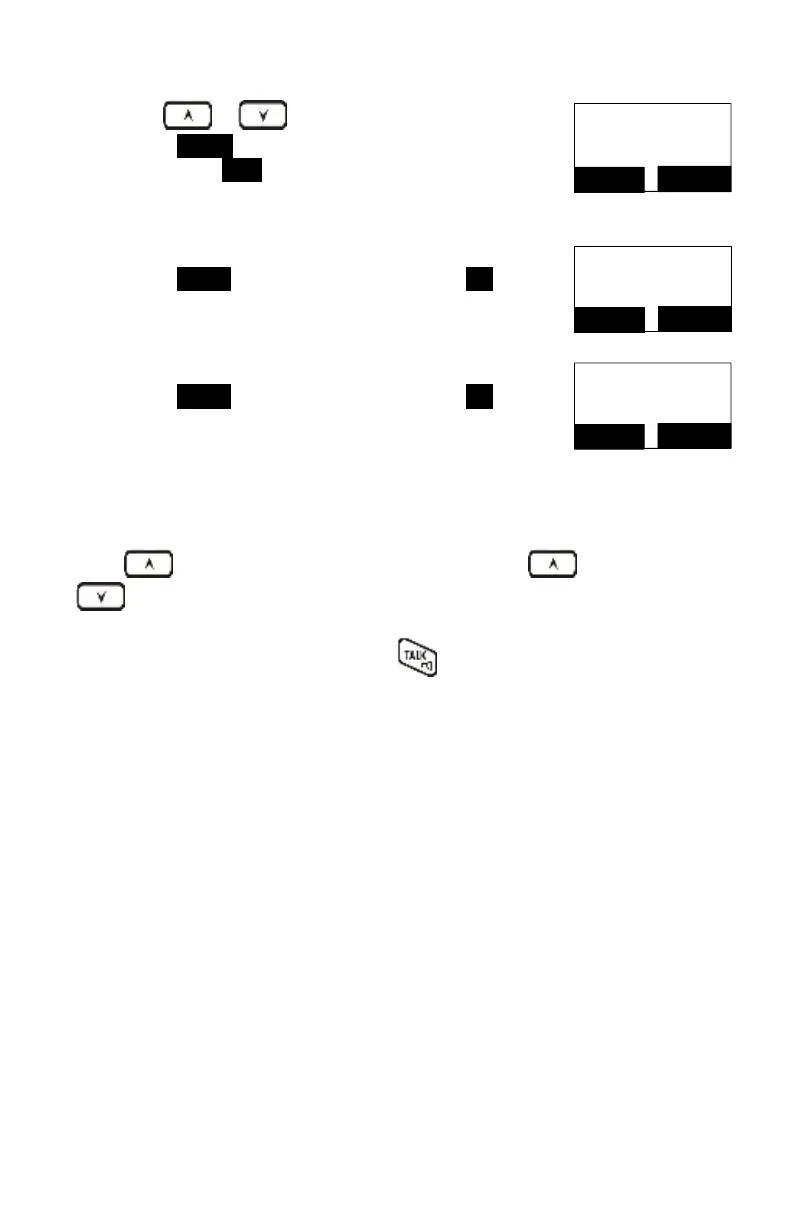
Use or key to scroll the number, and
press DELETE to edit the number.
Then press SAVE (Left) soft key to save the number.
Number?
4231234_
SAVE
DELETE
After the above process, the call log is saved into the
phone book.
Press SELECT (Right) soft key followed by YES (Left)
soft key to confirm deleting.
Option:
Clear all
SELECT
BACK
Press SELECT (Right) soft key followed by YES (Left)
soft key to confirm clearing all Caller ID records.
Press key on idle screen to enter the call log, use or
key to scroll the call log.
When screen displays a Caller ID, Press
to dial this number.
Call Manager
“Call Manager” feature allows four options:
1. The first option is “Incoming.” The handset can be selected to enable receiving of
the incoming PA, intercom call, line call.
2. The second option is “Outgoing.” The handset can be set to access available
bases automatically, manually or as a pre-defined telephone line.
3. The third option is “Call Barring.” The handset can be selected to block the calls,
which are not allowed.
Note: When entering this menu (Call Manager), you must enter the handset’s
password first (4-digits). The default handset password is “0000.”



 To Next Page