Notes:
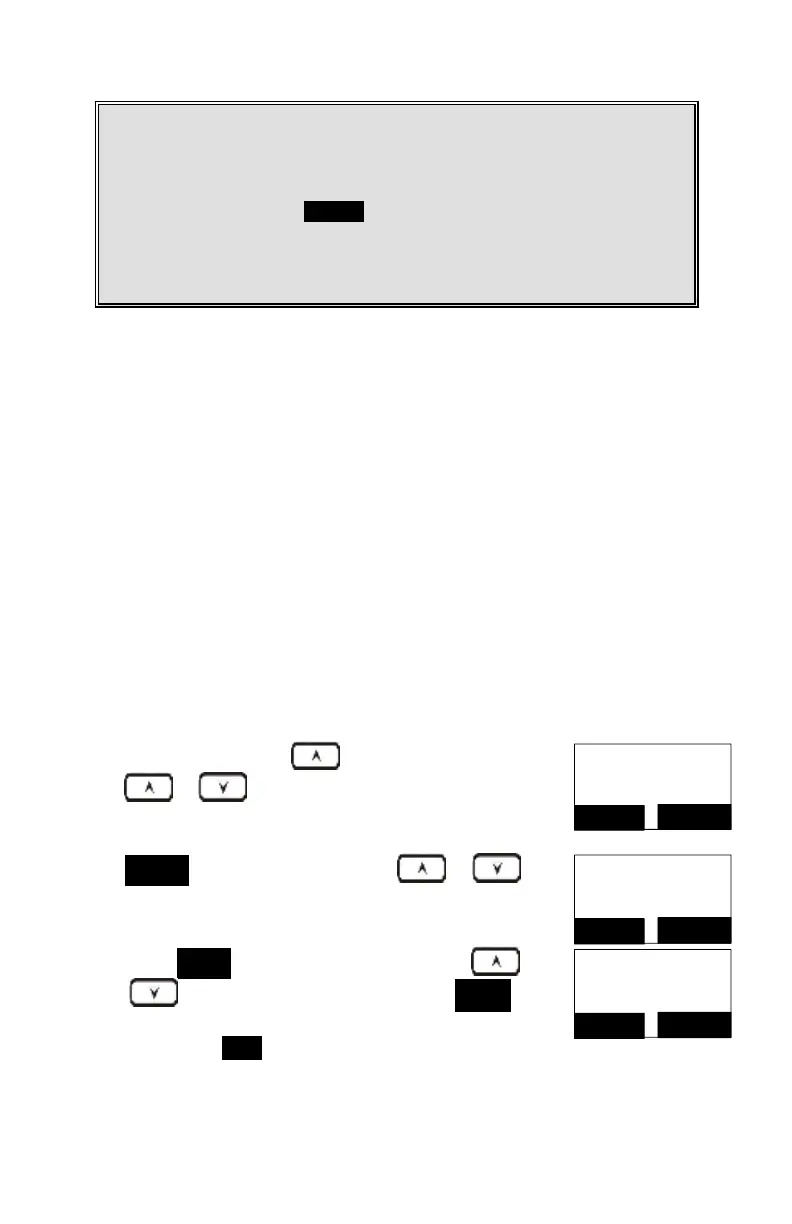
1. This feature call would be useful if the DuraFon-SIP base station is adjunct
to a PBX system or
2. If you have not pre-programmed any feature call into the system, only
“#.Phonebook” in the OPTION menu.
3. The DuraFon-SIP’s programmable feature call may not function with all
PBX or Key phone systems due to the diversity of various proprietary
systems.
Contact your local phone company to subscribe to this feature. The phone
system receives and displays Caller ID information transmitted by your local
phone company. This information may include the calling phone number, name,
date and time. This unit can store up to 50 calls of Caller ID information.
The display will show the date and time of the call on the first line, followed by
the name on the second line, and the phone number on the third line. An unread
record will have a “NEW” at the end of the first line of the display.
When viewing a call record, the number can be dialed, stored to the phone book or
deleted.
To view the call log, press to enter the Call Log.
Press or
key to scroll through the numbers and
names when available.
01/04 08:20P NEW
Johnson
423-1234
FORMAT
OPTION
Press OPTION (Right) soft key, you can or
key
to choose save, delete or clear all.
Press SELECT (Right) soft key, you can use or
key to scroll the name, and press DELETE to
edit the name.
Then press SAVE (Left) soft key to save the name.
Name?
Johnson_
Cap = *
SAVE
DELETE



 To Next Page