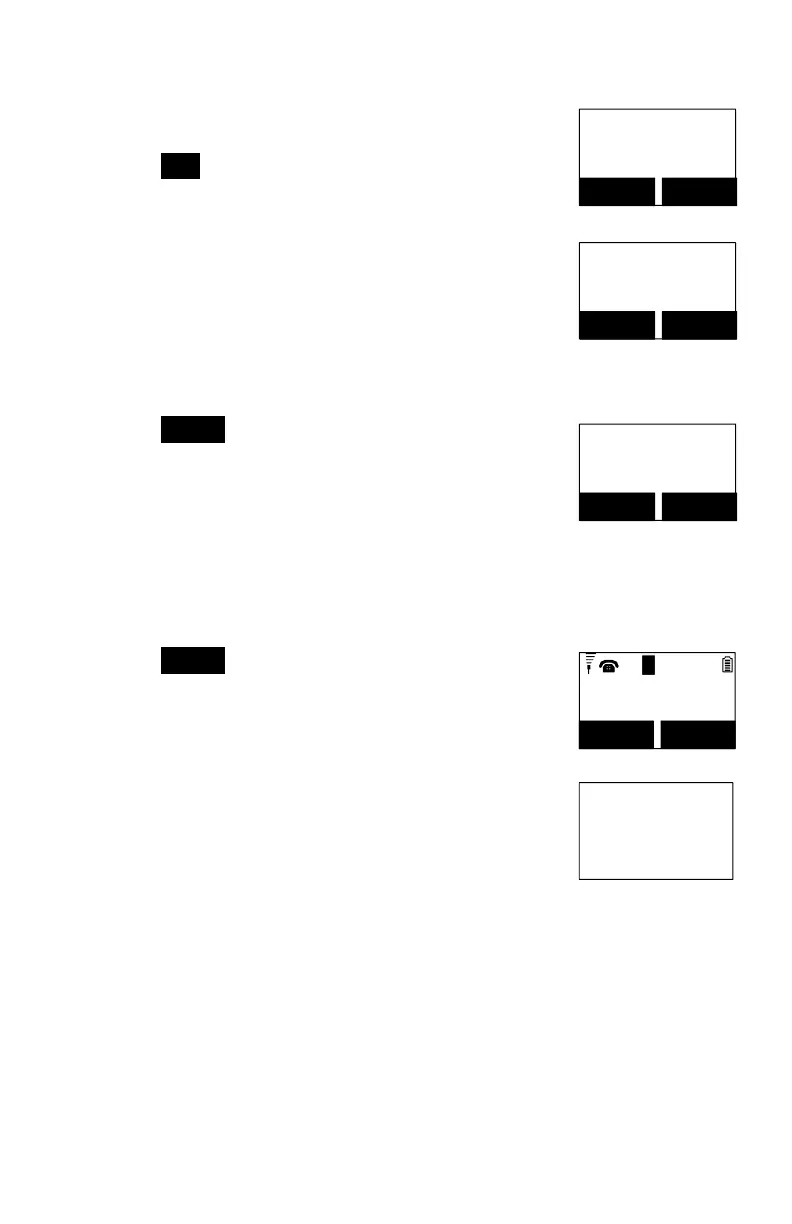
Key in the feature call code of the correspondening PBX
feature, i.e. F*70.
Press SAVE (Left) soft key to confirm.
Re: “F” represent the Flash signal.
Feature Name?
_
Caps = *
SAVE DELETE
The 1
st
feature call and corresponding feature call code
you entered will appear on the LCD screen.
Press OPTION (Right) soft key to delete or edit the
feature call you programmed into the system.
PBX Transfer
F*70
ADD OPTION
Repeat the same operations to program the 2
nd
and
subsequent feature call that you will use frequently.
Using pre-programmed feature call during the call.
Press OPTION (Right) soft key while the handset is in
the Talk mode.
00:00:15
Volume: 3
11
MUTE OPTION
L
1
Press the correspondence number of the feature call
you want to perform, i.e. press “0” to perform the “PBX
Transfer.”
Option:
*.Hold
0.PBX Transfer
#.Phonebook



 To Next Page