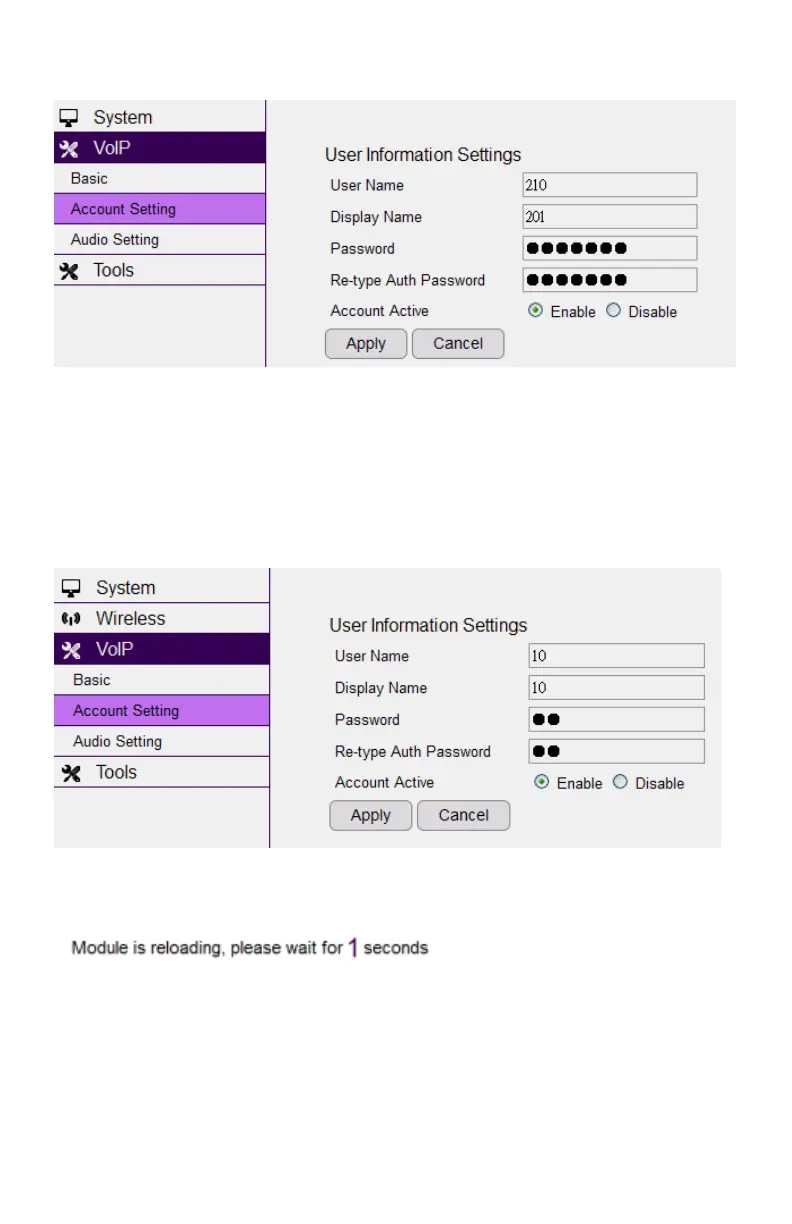
Individual Account
- Note: You should register every handset on the DuraFon-SIP base before you start
setting the SIP configuration.
The default SIP number is set according to handset ID, which means SIP number 10
is set for handset ID 10, and accordingly. You will need to enter the Edit button for
each account.
Click the Apply button to save the setting as the screen shows:
After you finish these account settings, you will need to click the Apply button as
shown in red to activate the setting.



 To Next Page