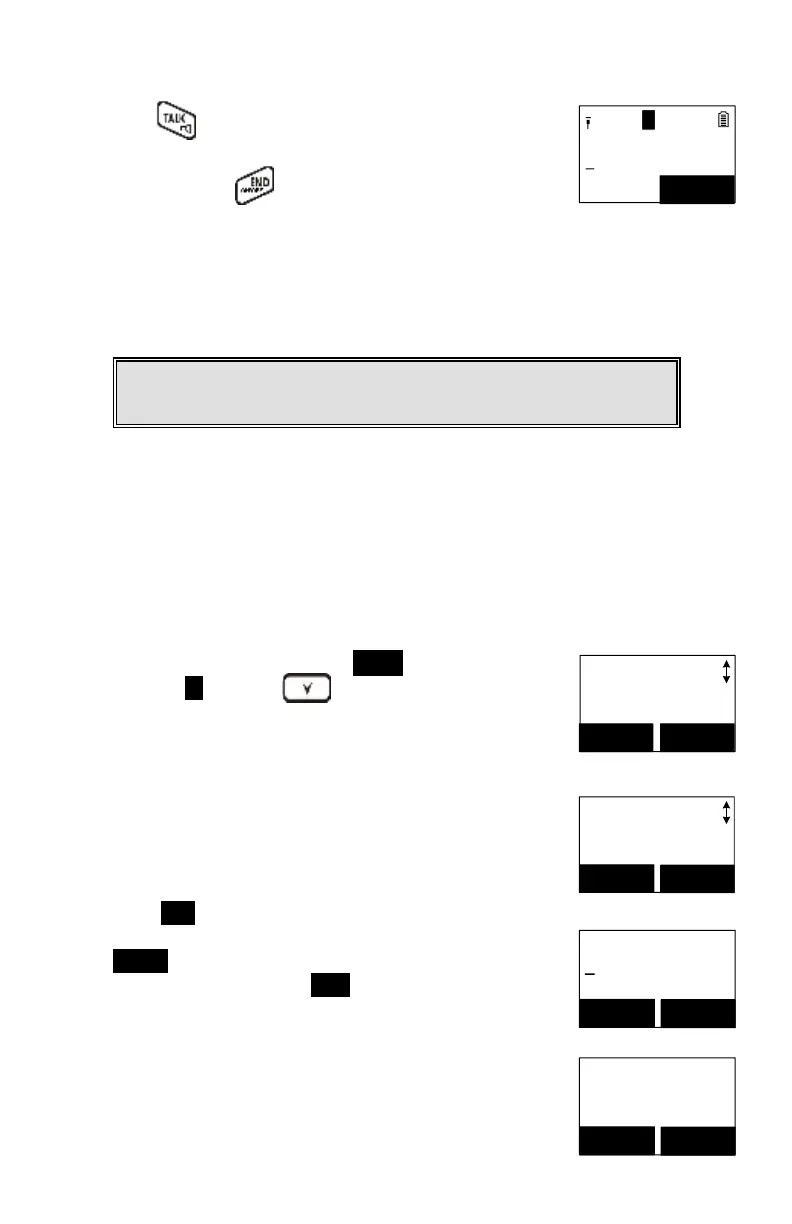
Press the of the destination handset to answer the
intercom call, you can now talk to the destination handset.
After talking, press to end the intercom call, and then
the destination handset is able to pick up the incoming call
automatically.
After the call is transferred to the destination handset, the
original handset will go back to standby mode automatically.
Notes: If the destination handset does not answer after paging it or
transferring timeout, the call is routed back to the originating handset.
You can store up to 50-entries in the phone book. Each
entry can contain a phone number or handset ID (up to 26-
digits) and a name (up to 16-characters).
Main Menu
2.PhoneBook
SELECT BACK
To access the phone book, press MENU (Right) soft key,
followed by 2 or press scrolling key while the
handset is in standby mode.
Name?
_
Caps = *
SAVE
DELETE
Press ADD (Left) soft key.
Enter the name when LCD prompts “Name?” Use
DELETE (Right) soft key to delete the last digit entered.
When completed, press SAVE (Left) soft key to save.
Re: Up to 16-characters can be entered as the name.
You will then be prompted to enter a number for the
name just entered.
Re: Up to 26-digits can be entered as the number.



 To Next Page