S-Play User Manual
Part No.: 51301
8 October 2020
(v23)
Document ID: 4686708 Page|16
The LCD Menu
Controls
Direction arrows – Can be used to move between menu tabs and increase or decrease
the value in the field with numbers such as IP address, (using the side arrows will allow
numerical values to be changed in steps of 10).
Back- Used to return to the main menu from a sub-menu.
Enter - Used to move down to a menu, access sub-menu options, set a numerical value
or select options.
Layout
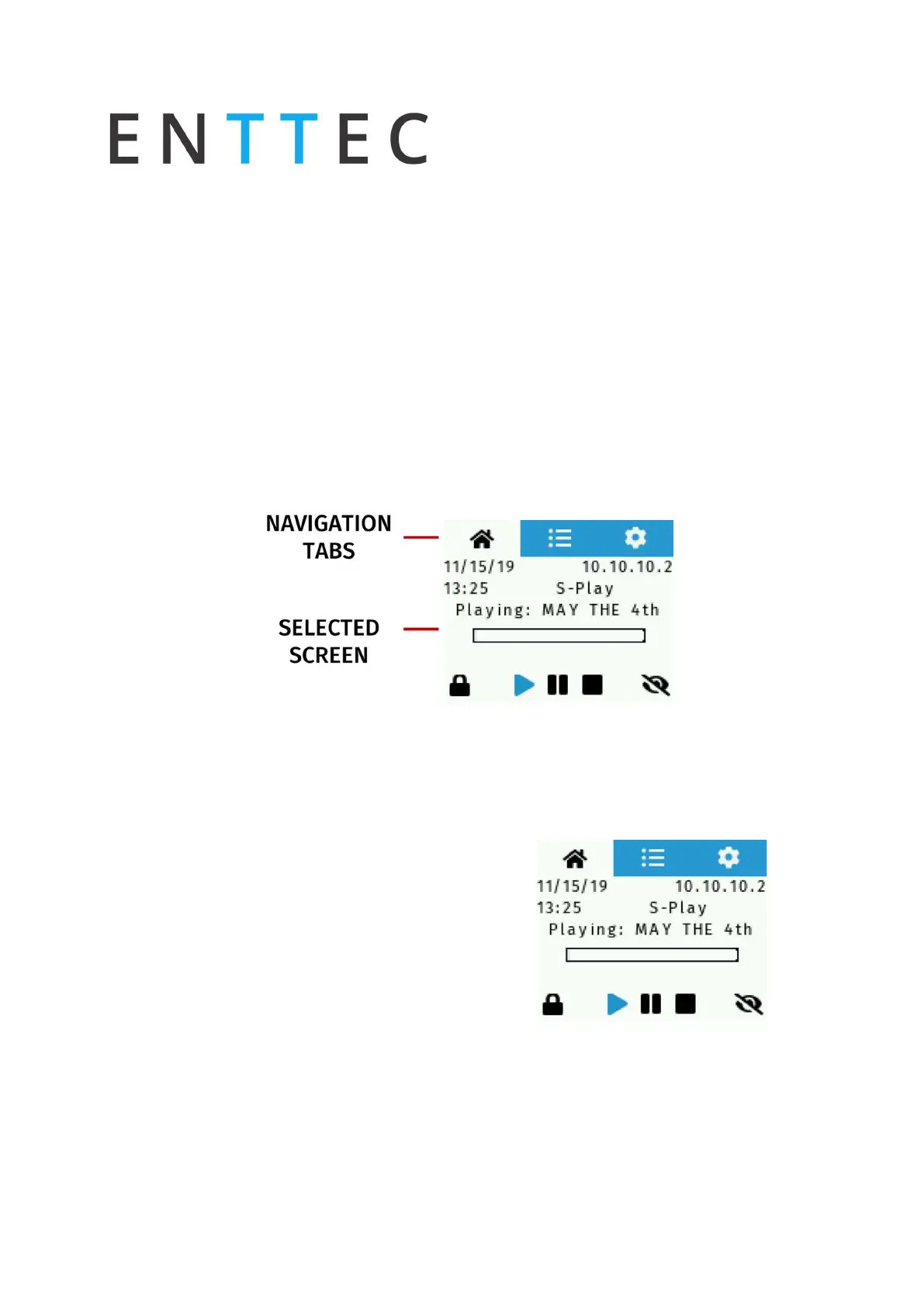
Home Screen
The home screen displays the following:
Current date and time
Device IP Address
Device Name
Playlist Status
Lock Screen
Playlist control
Brightness control



 To Next Page