S-Play User Manual
Part No.: 51301
8 October 2020
(v23)
Document ID: 4686708 Page|31
Manual Recording Control
1.
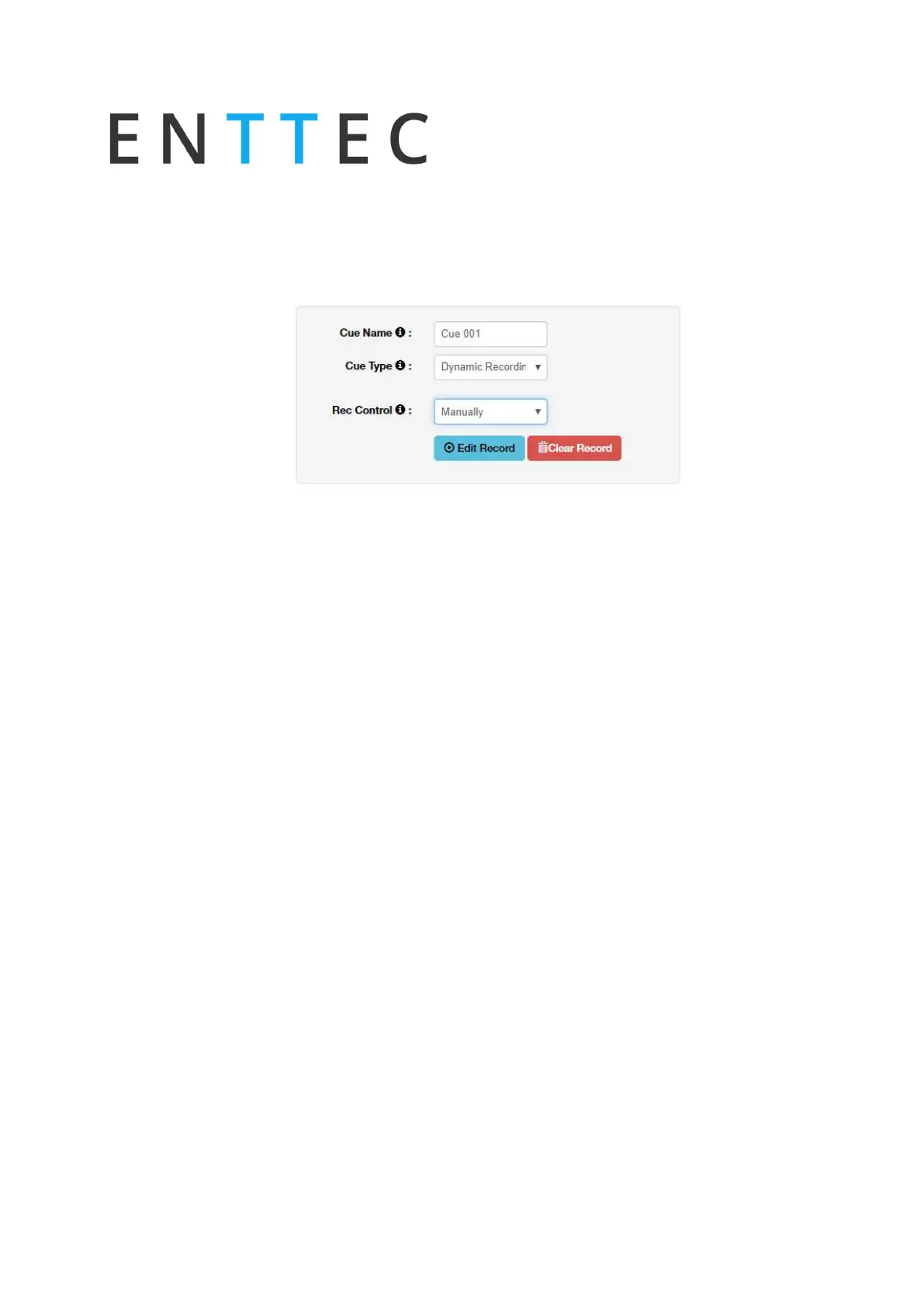
Select Dynamic Scene as the cue type
2.
Select Manually from the Rec. Control option
3.
Press the Edit Record button
4.
Provide cue name to aid identification
5.
Select one of the following options for data capture:
1.
Snapshot DMX (up to 2 Universes / 1024 Channels)
2.
Snapshot Art-Net (up to 32 Universes / 16,384 Channels)
3.
Snapshot sACN (up to 32 Universes / 16,384 Channels)
6.
Specify the universes for capturing data
7.
Once the option for capturing is selected, press on the start rec button to start the
recording. The timer in the right bottom part of the window should start running as
soon as data is captured.
The DMX values captured will be shown for the corresponding universe.
Toggle all inputs – Selects all input universes
Save scene - used to save the cue created
Close - Close edit window without saving
Preview – Observe the capture using DMX ports. This will stop any current playbacks
Stop Preview – Stop output of captured data through DMX ports
N.B. During Art-Net or sACN recording check that no active output is broadcasting from your S-
Play to eliminate unwanted frame loopback.



 To Next Page