S-Play User Manual
Part No.: 51301
8 October 2020
(v23)
Document ID: 4686708 Page|60
Locking the S-Play and User Management
S-Play includes a locking system to prevent changing settings, deleting playlists, cues and
schedulers from unauthorized users.
How To Use The Lock Feature
Out of the box, S-Play is unlocked which means when connected to a network any computer
within the network can change settings, create cues, create playlists, trigger playlists, etc.
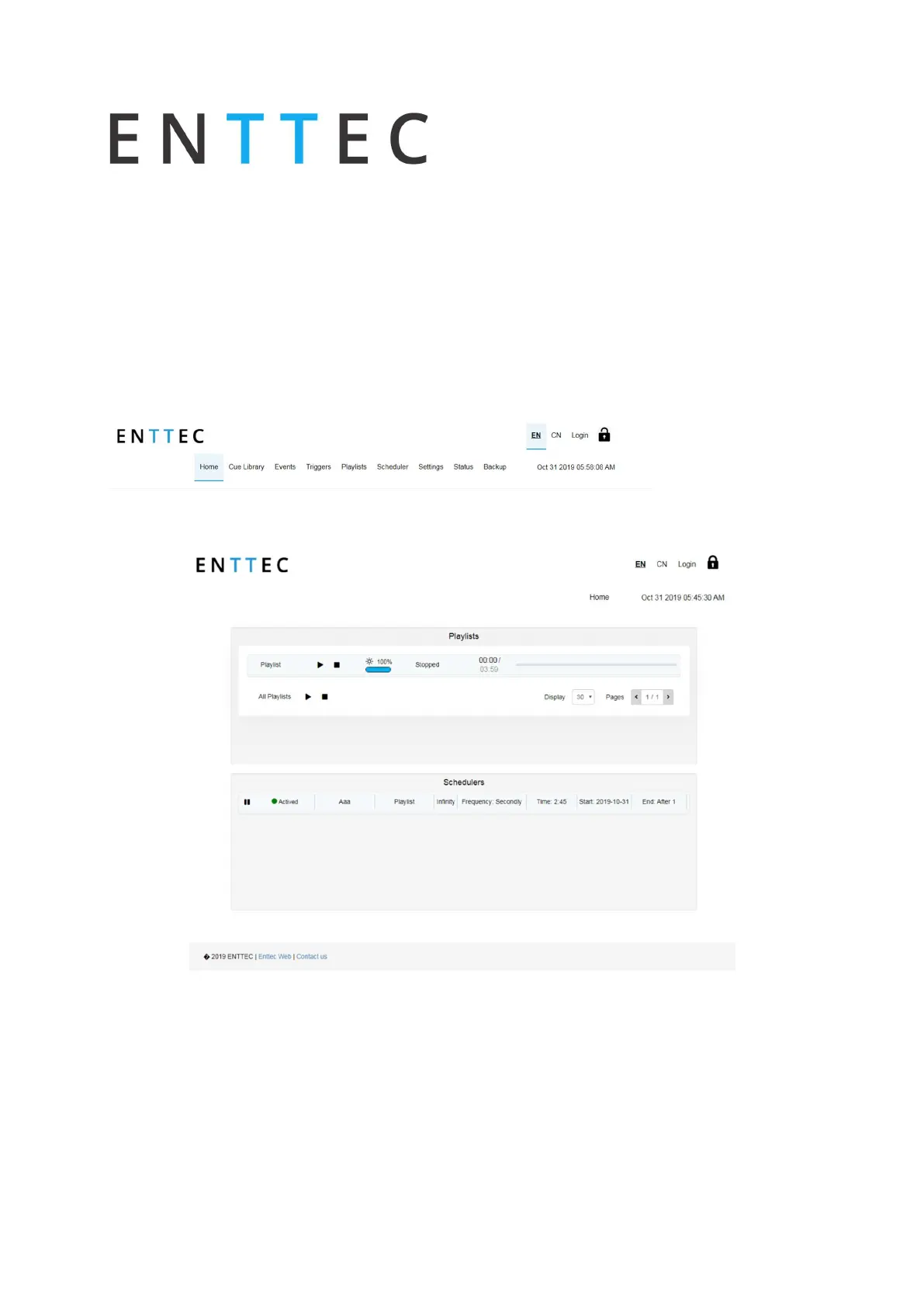
If the lock on the top right corner of the screen is open, as shown below, the unit is unlocked
and accessible within the network.
To lock the unit, simply click on the padlock in the top right hand side of the user interface
and the unit will automatically disable all the tabs but home.
When the S-Play is locked, users can:
Play and Stop any playlist
Play and Stop all playlists
Pause and Resume Schedules
Navigate the LCD to preview cues, activate playlists and display settings



 To Next Page