S-Play User Manual
Part No.: 51301
8 October 2020
(v23)
Document ID: 4686708 Page|33
Effects
1.
A slot from the Cue Library
2.
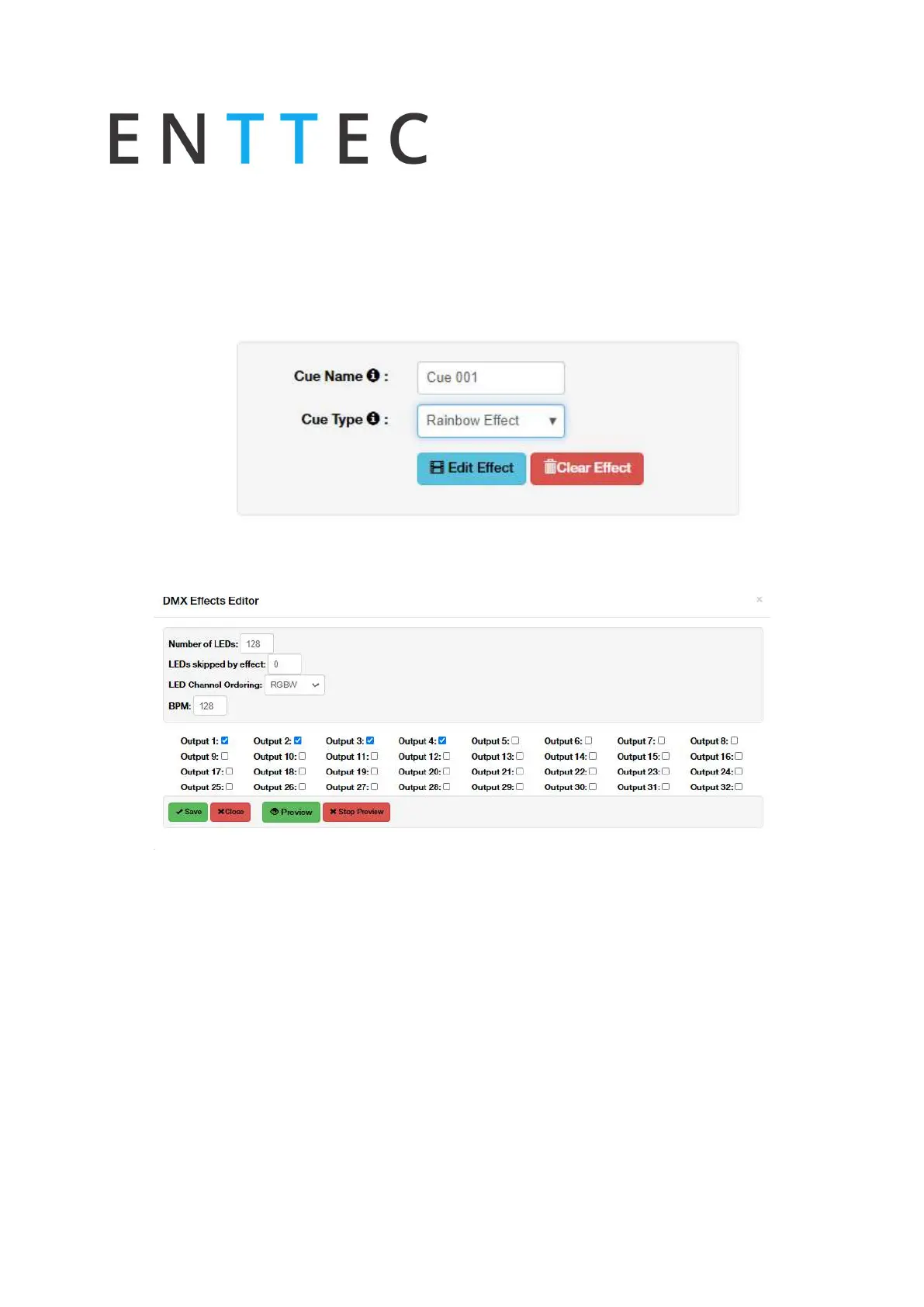
Provide cue name to aid identification
3.
Select your desired effect type within the Cue Type field.
4.
Press the Edit Effect button
5.
Configure your desired effects using the onboard parameters. – The S-Plays colour
effects have been primarily designed around LED and RGBW fixtures.
6.
Effects are applied on a per universe basis and do not cascade across multiple. – Select
each of the S-Plays universes that you wish to apply the effect to
7.
After the parameters have been set, the S-Play allows effects to be previewed using the
Preview button.
8.
Once happy with the effect created this can be Saved to the S-Plays memory.



 To Next Page