S-Play User Manual
Part No.: 51301
8 October 2020
(v23)
Document ID: 4686708 Page|47
Yellow: Paused Scheduler. The scheduler will not play until it's active and the end
condition is not met.
Scheduler name: Name set in the scheduler editor
Playlist name: Playlist selected in the scheduler editor
Playlist Loop: loop set in the scheduler editor, by default this is the same value configured in
the playlist attributes
Scheduler frequency: frequency set in the scheduler editor
Start time: Time set in the scheduler editor
Start date: Start date set in the scheduler editor
End condition: End condition set in the scheduler editor. To set an infinitely looping schedule,
set the end time to be identical to the beginning
Delete: Delete selected scheduler
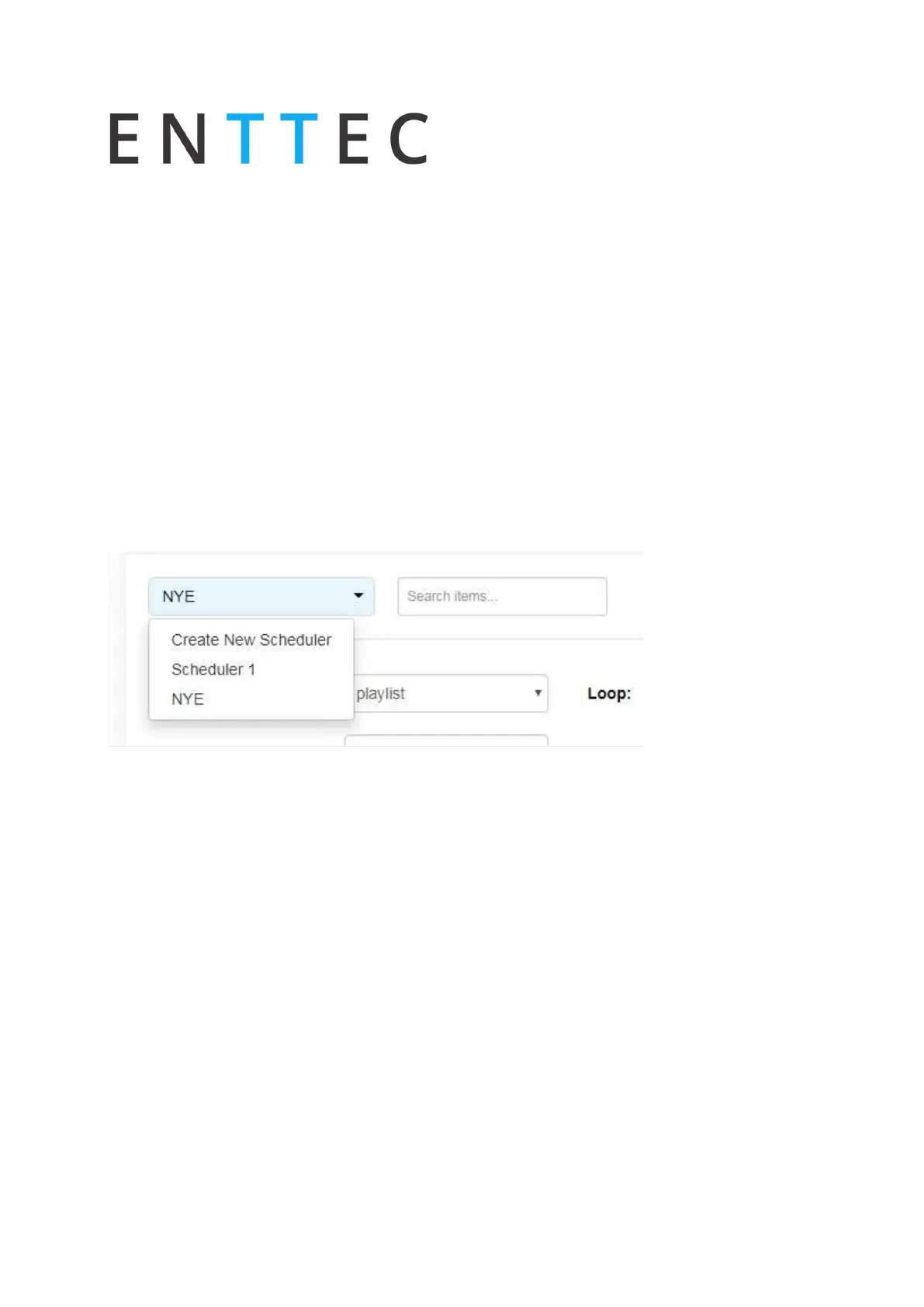
List of Schedules
Lists all the schedules saved and shown in the created scheduler section. When an option is
selected, its parameters are loaded into the scheduler editor.
To create a new scheduler, select "Create New Scheduler" option.
Schedule Name
Name to aid Schedule identification.
Selected Playlist
List of available Playlist to be scheduled.
Start Condition
Set a schedule to start at a specific time, at sunrise or sunset. The sun phase is calculated
based on the location set in the settings page. It takes into consideration:



 To Next Page