S-Play User Manual
Part No.: 51301
8 October 2020
(v23)
Document ID: 4686708 Page|35
Playlists
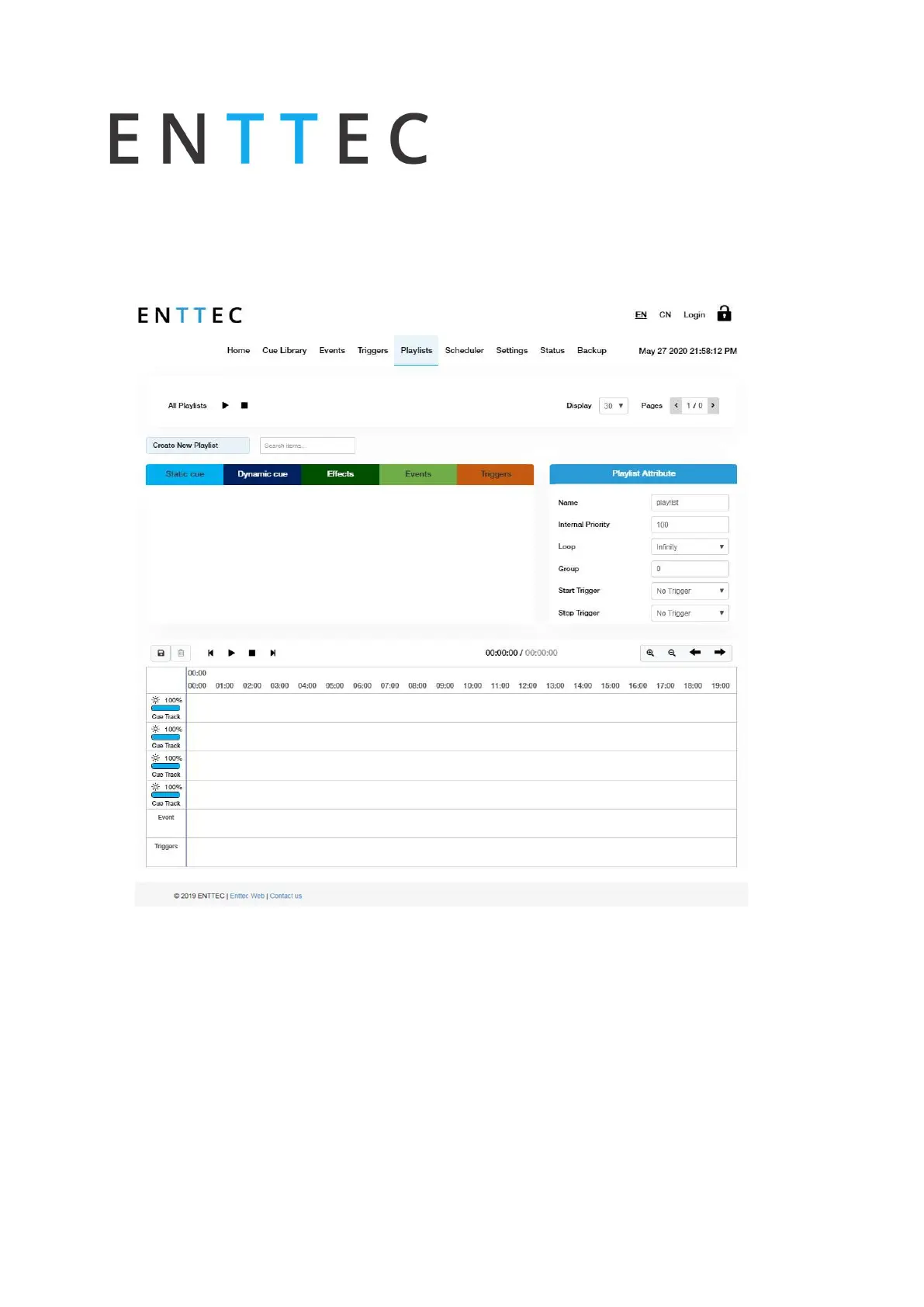
The playlist page allows the user to add multiple cues (static or dynamic), events and triggers
in a sequence to be stored and played back at any given point.
Playlist Page Layout
The playlist page is comprised of 9 key elements:
A. Created Playlists B. Global Playlist Control
Playlist Editor
C. List of Playlists D. Available cues and controls
E. Playlist attributes F. Playlist settings
G. Playlist timeline and Media tracks H. Event track
I. Trigger track



 To Next Page