S-Play User Manual
Part No.: 51301
8 October 2020
(v23)
Document ID: 4686708 Page|19
Web interface
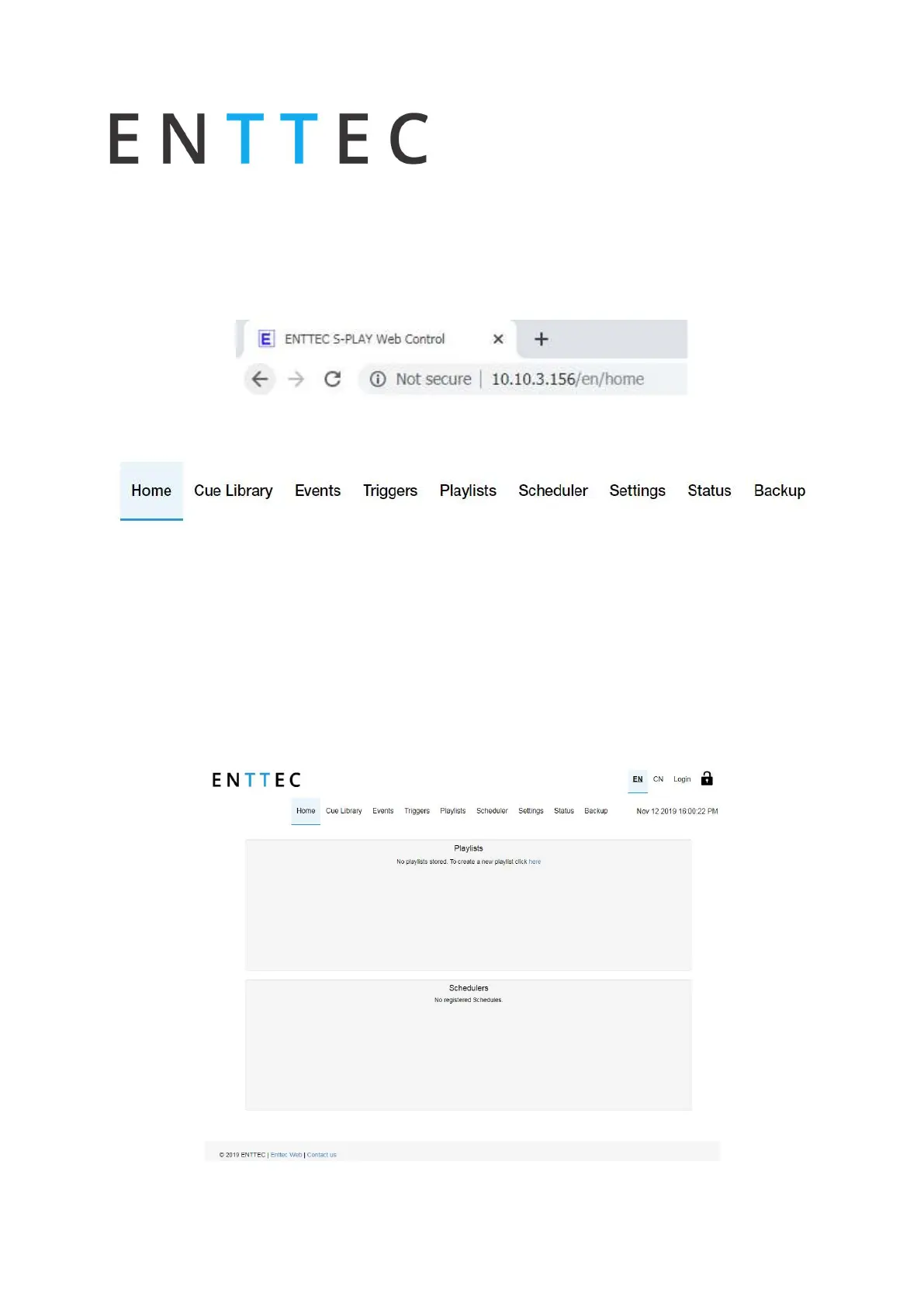
The S-Play can be configured and controlled through a web browser on a computer, located
on the same Local Area Network (LAN) as the device. Either click on the ‘configure button within
in NMU or type the IP address (as detected by NMU e.g. 10.10.3.156) into your web browser to
access the web interface.
The S-Plays web interface consists of the following pages:
Home
The home page displays the following information and actively allows the control of the
following items:
Created Playlists:
o
Edit, Play, Pause, Stop, Intensity, Progress and Delete.
Created Schedules:
o
Activate and Pause schedules



 To Next Page