Checking a schedule
a
Press the [Menu] button while projecting.
b
Select Schedule Settings from Extended.
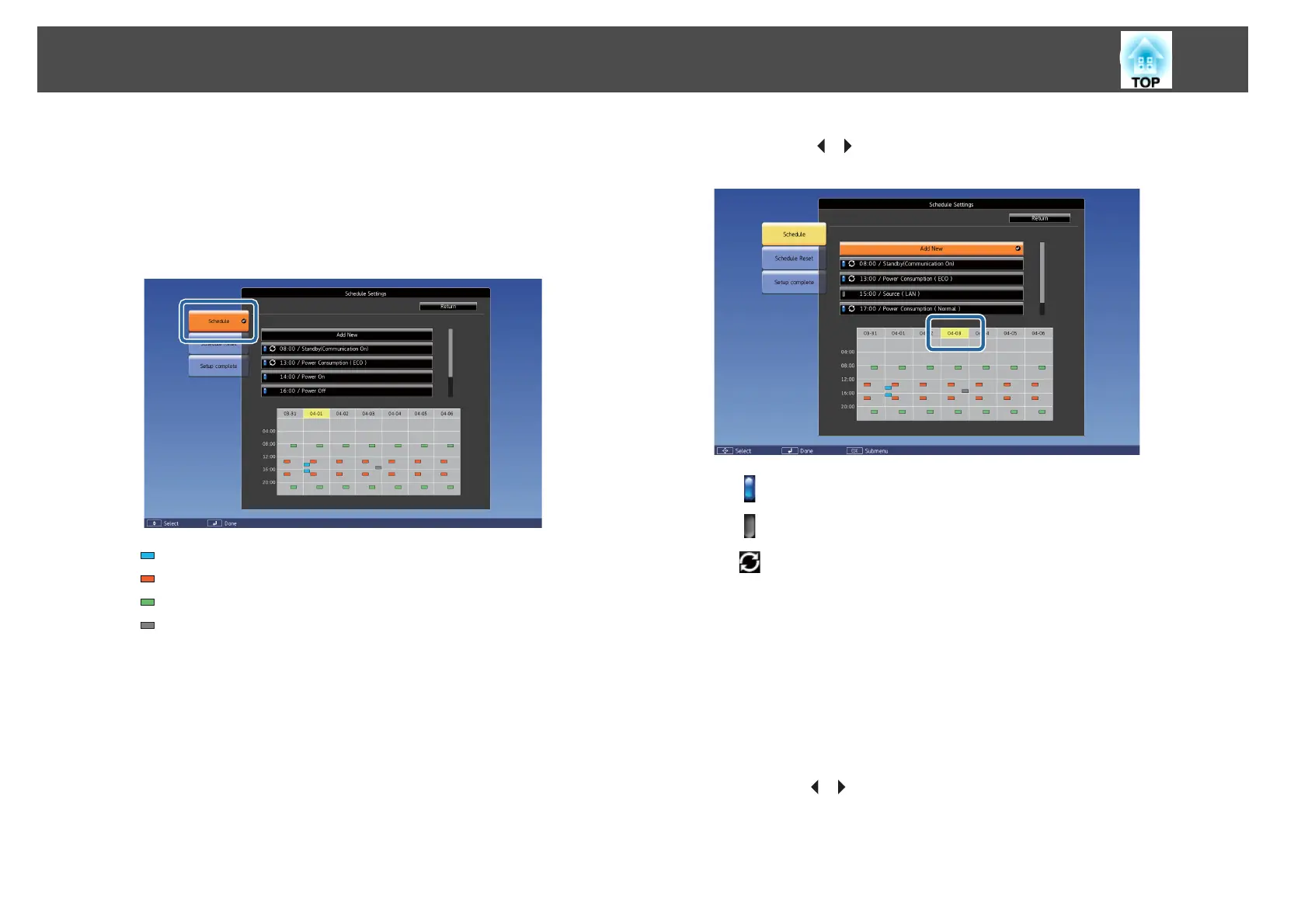
The indicator turns on when an event is saved.
(Aqua): Single event
(Orange): Regular event
(Green): Communication monitoring On/Off
(Gray): Disabled event
c
Press the [ ][ ] buttons to highlight the date you want to check.
The details of the events registered on the selected date are displayed.
(Blue): Enabled event
(Gray): Disabled event
: Regular event
Editing a schedule
a
Press the [Menu] button while projecting.
s
"Using the Configuration Menu" p.134
b
Select Schedule Settings from Extended.
c
Use the [ ][ ] buttons to highlight the date containing the
schedule you want to edit.
Scheduling Function
125



 To Next Page