Projector Features
12
Connect with Computers
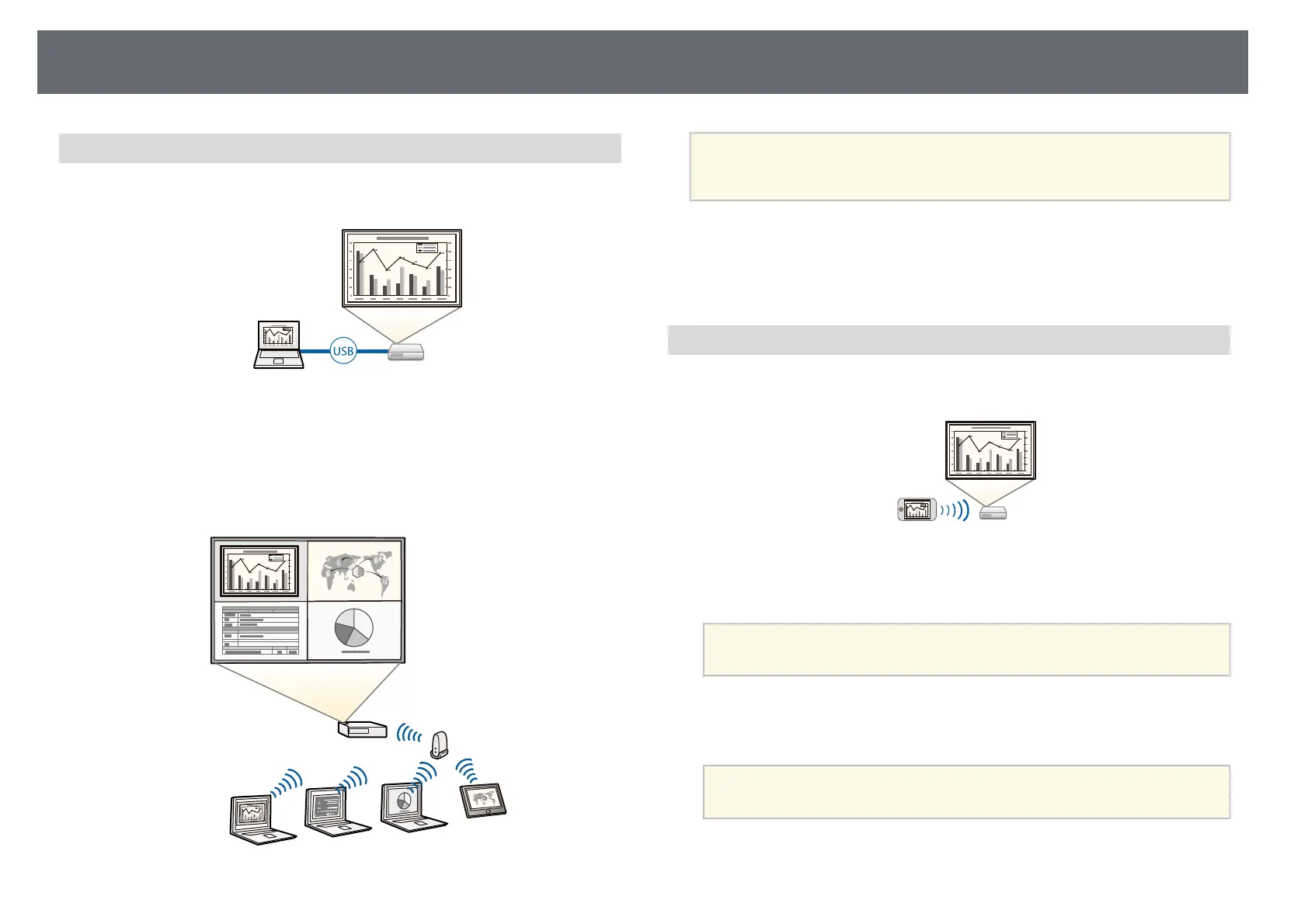
• Connect with one USB cable to project images and output audio (USB
Display).
• Epson iProjection (Windows/Mac) to project up to four images at the same
time by splitting the projected screen. You can project images from
computers on the network, or from smartphones or tablet devices on which
Epson iProjection is installed.
See the Epson iProjection Operation Guide (Windows/Mac) for details.
a
• You can download the necessary software and manuals from the
following Web site:
epson.sn
gg Related Links
• "Wired Network Projection" p.123
• "Wireless Network Projection" p.126
• "Connecting to a Computer for USB Video and Audio" p.25
Connect with Mobile Devices
• Screen Mirroring to connect your projector and mobile device wirelessly
using Miracast technology.
• Epson iProjection (iOS/Android) to connect your projector and mobile
device wirelessly using the app available on the App Store or Google Play.
a
Any fees incurred when communicating with the App Store or
Google Play are the responsibility of the customer.
• Epson iProjection (Chromebook) to connect your projector and
Chromebook device wirelessly using the app available on the Chrome Web
Store.
a
Any fees incurred when communicating with the Chrome Web Store
are the responsibility of the customer.











 To Next Page