Projector Display Settings - Display Menu
175
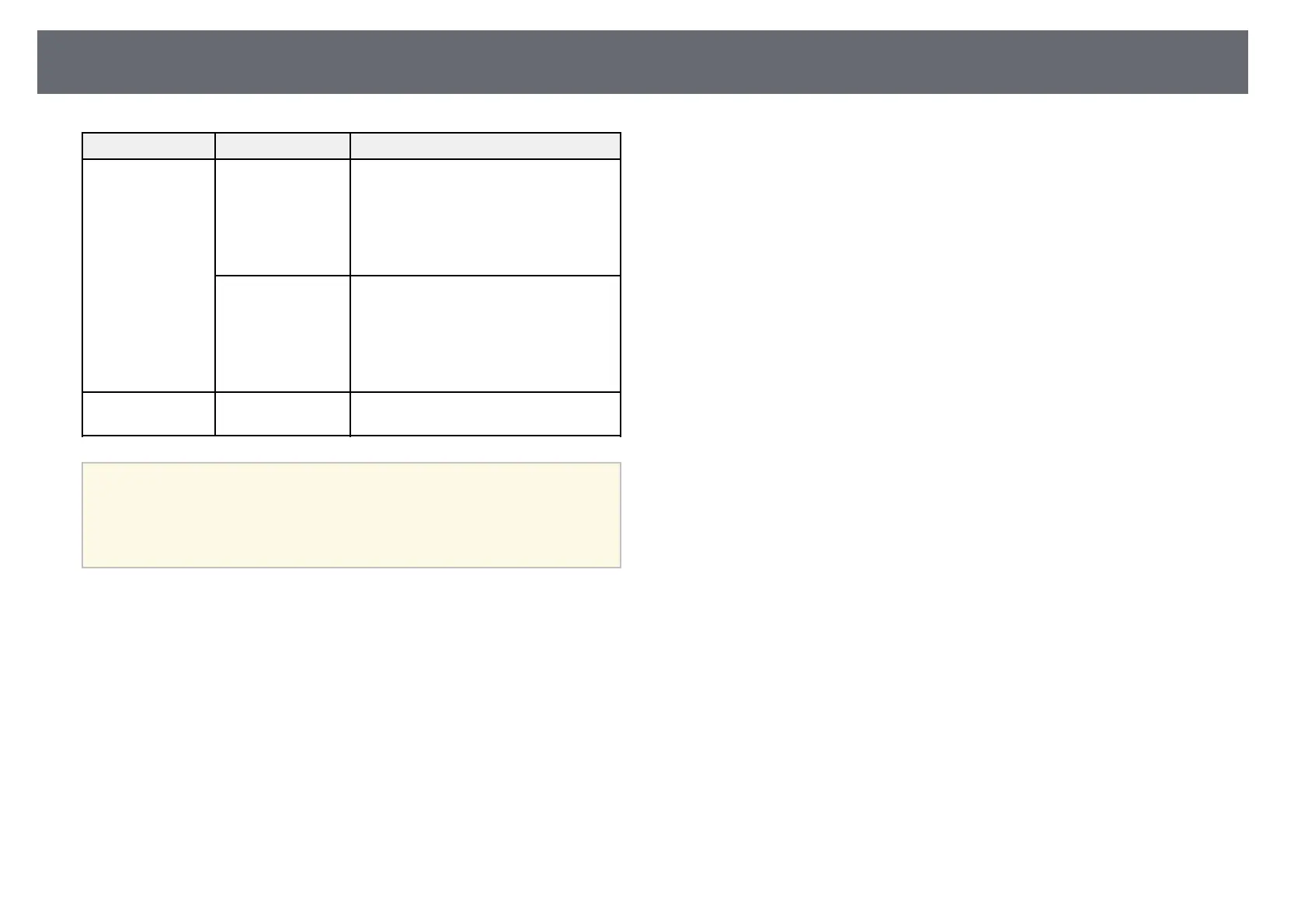
Setting Options Description
Split Screen Setting Display Audio
Output Source
Set to On to display an icon with the
source providing audio output during
split screen projection.
Setting is only displayed when Content
Playback is set to Off.
(EB‑L255F/EB‑L250F)
Align If you have split two screen images, select
the position of the images to be aligned
at the Top or Middle of the image area.
Setting is only displayed when Content
Playback is set to Off.
(EB‑L255F/EB‑L250F)
Reset Display
Settings
— Resets all adjustment values on the
Display menu to their default settings.
a
If you turn on Menu Protection of User's Logo, you cannot change the
following user's logo display settings; you must turn off Menu
Protection of User's Logo first.
• No-signal Screen
• Startup Screen
gg Related Links
• "Projecting Multiple Images Simultaneously" p.81











 To Next Page