Projector Features
13
gg Related Links
• "Wireless Network Projection from a Mobile Device (Screen Mirroring)"
p.136
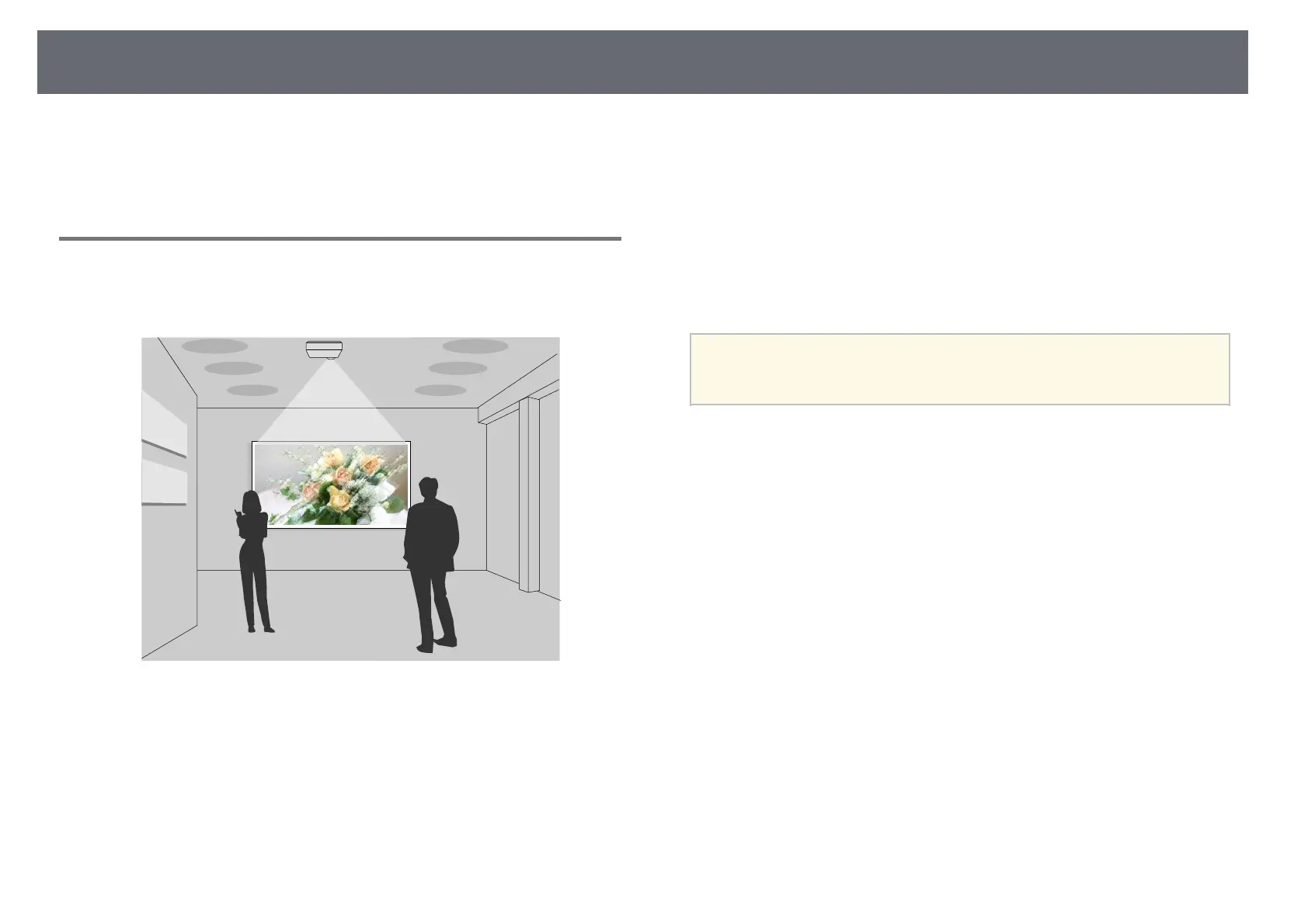
Projecting for Exhibitions
Your projector allows you to project your content for exhibitions as digital
signage (EB‑L255F/EB‑L250F).
• Content Playback mode to play your playlists, and add color and shape
effects to your projected image.
• You can use one of the following methods to create content played in
Content Playback mode.
• Epson Projector Content Manager software allows you to create playlists
and save them on an external storage device. You can also add color and
shape effects to your projected image, and schedule playlists.
See the Epson Projector Content Manager Operation Guide for details.
• Epson Web Control allows you to create playlists using a Web browser
and save them to an external storage device connected to a projector on a
network. You can also add color and shape effects to your projected
image.
• The Epson Creative Projection app allows you to create content on iOS
devices. You can also transfer content to the projector wirelessly.
You can download Epson Creative Projection from the App Store. Any
fees incurred when communicating with the App Store are the
responsibility of the customer.
a
You can download the necessary software and manuals from the
following Web site:
epson.sn
gg Related Links
• "Projecting in Content Playback Mode" p.89











 To Next Page