Shutting Off the Image and Sound Temporarily
96
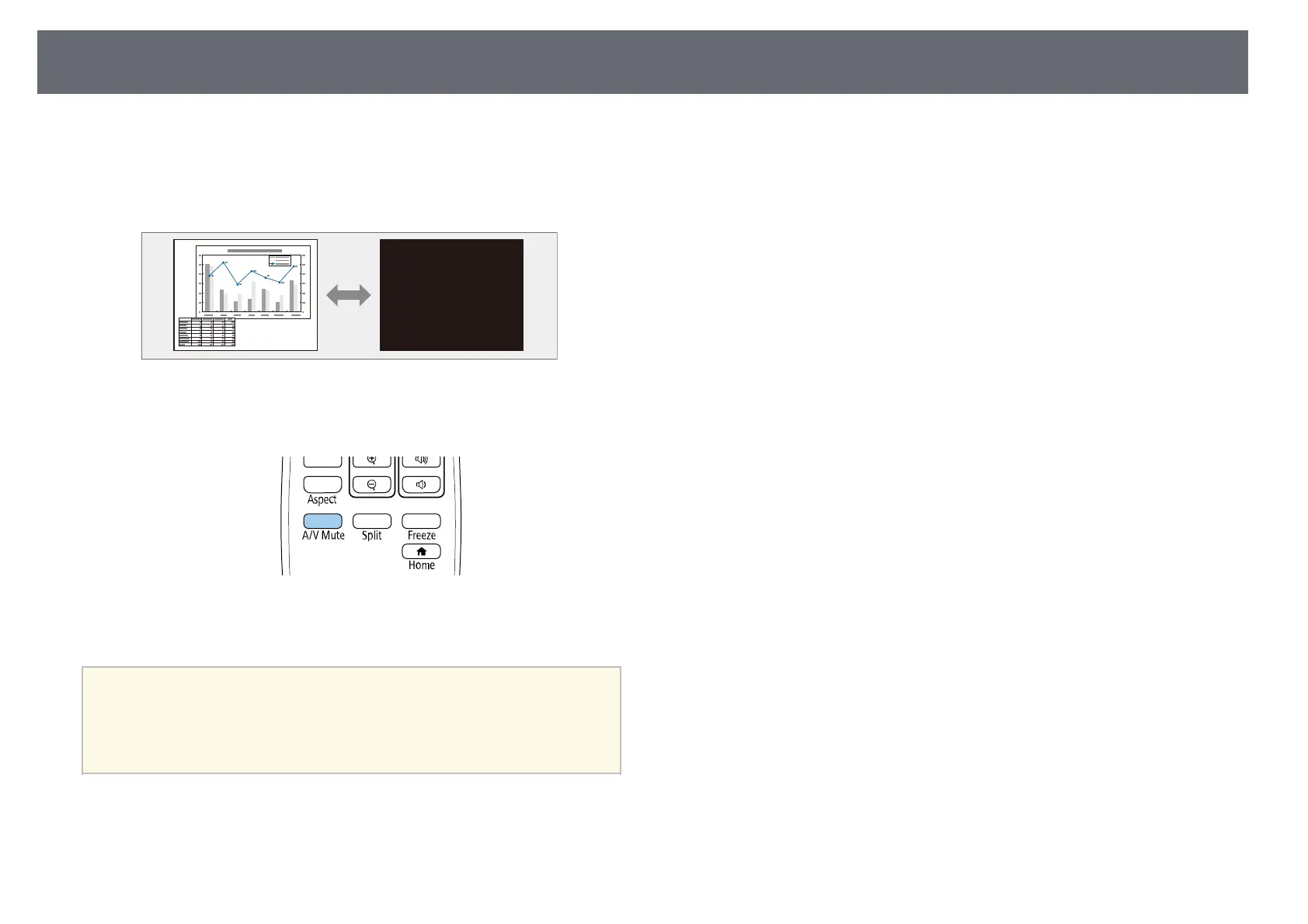
You can temporarily turn off the projected image and sound. This is effective
when you want to redirect your audience's attention during a presentation.
Any sound or video action continues to run, however, so you cannot resume
projection at the point that you stopped it.
a
Press the [A/V Mute] button on the remote control to temporarily stop
projection and mute any sound.
b
To turn the image and sound back on, press [A/V Mute] again.
a
• You can also stop projection using the A/V Mute slide lever on the
projector.
• The projector's power automatically turns off 30 minutes after A/V
Mute is enabled. You can disable this feature.
s Operation > A/V Mute Timer











 To Next Page