Projecting in Content Playback Mode
90
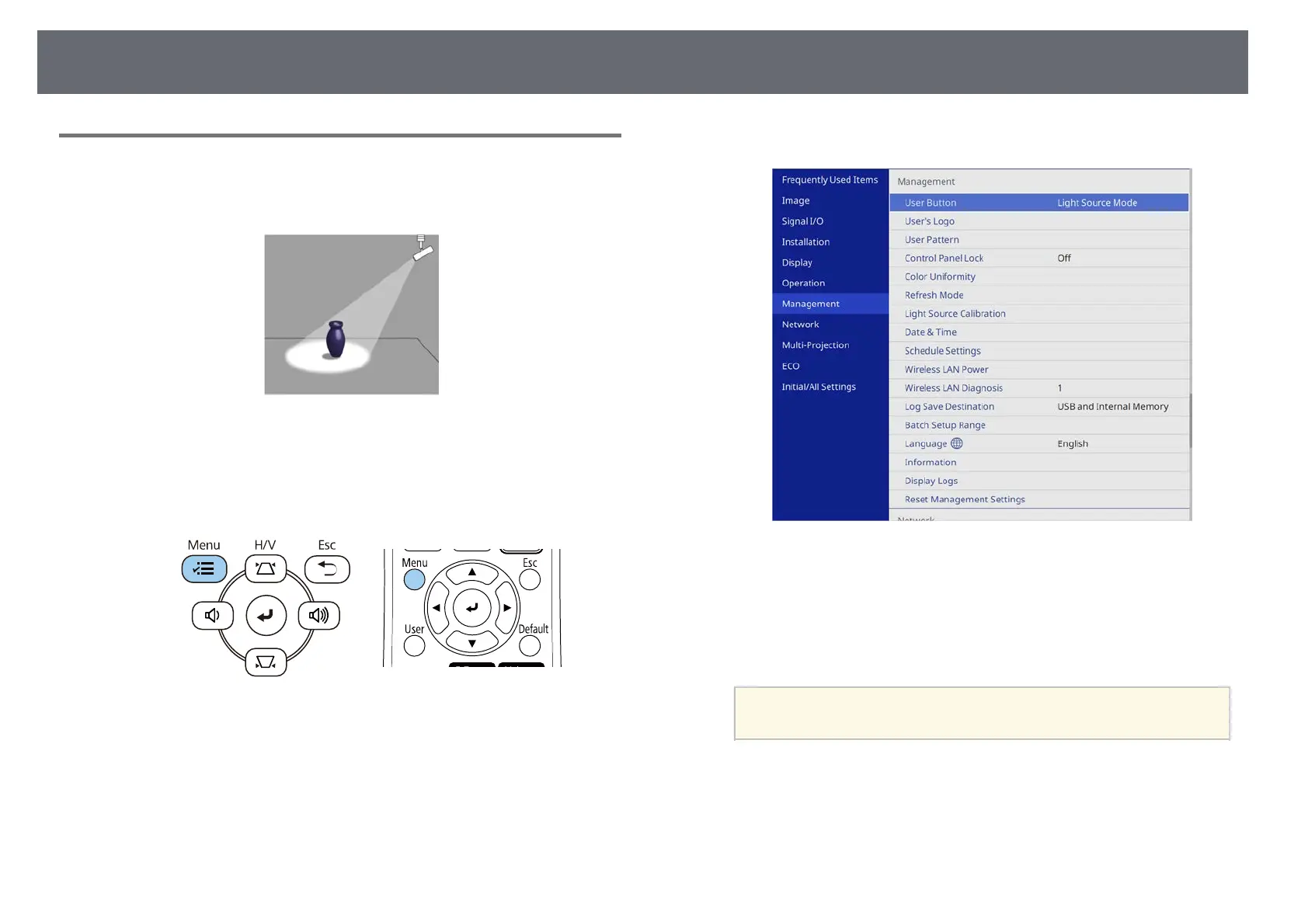
Using Spotlight Mode
In Content Playback mode, you can use spotlight mode to project a virtual
spotlight and customize the position, size, shape and width of the light.
Before you use spotlight mode, you need to assign the Spotlight function to
the [User] button on the remote control.
a
Press the [Menu] button on the control panel or remote control.
b
Select the Management setting and press [Enter].
c
Select the User Button setting and press [Enter].
d
Select the Spotlight setting and press [Enter].
The Spotlight function is assigned to the [User] button on the remote
control.
a
You only need to select this setting the first time you use
spotlight mode.











 To Next Page