Projecting in Content Playback Mode
94
G
Opens the Switch Image screen.
You can specify the time interval to switch to the next image file. You can
also select a transition effect.
H
Opens the Effects screen.
You can add predefined color and shape effect filters to a playlist. You
can also create a customized effect.
I
Previews the playlist.
k
When you have finished editing the playlist, select Finish.
a
• You can play the playlist from the Remote or Playlist screen.
• When you want to specify when the playlist starts and finishes,
schedule the playlist using Epson Projector Content Manager
software.
gg Related Links
• "Web Control Options" p.146
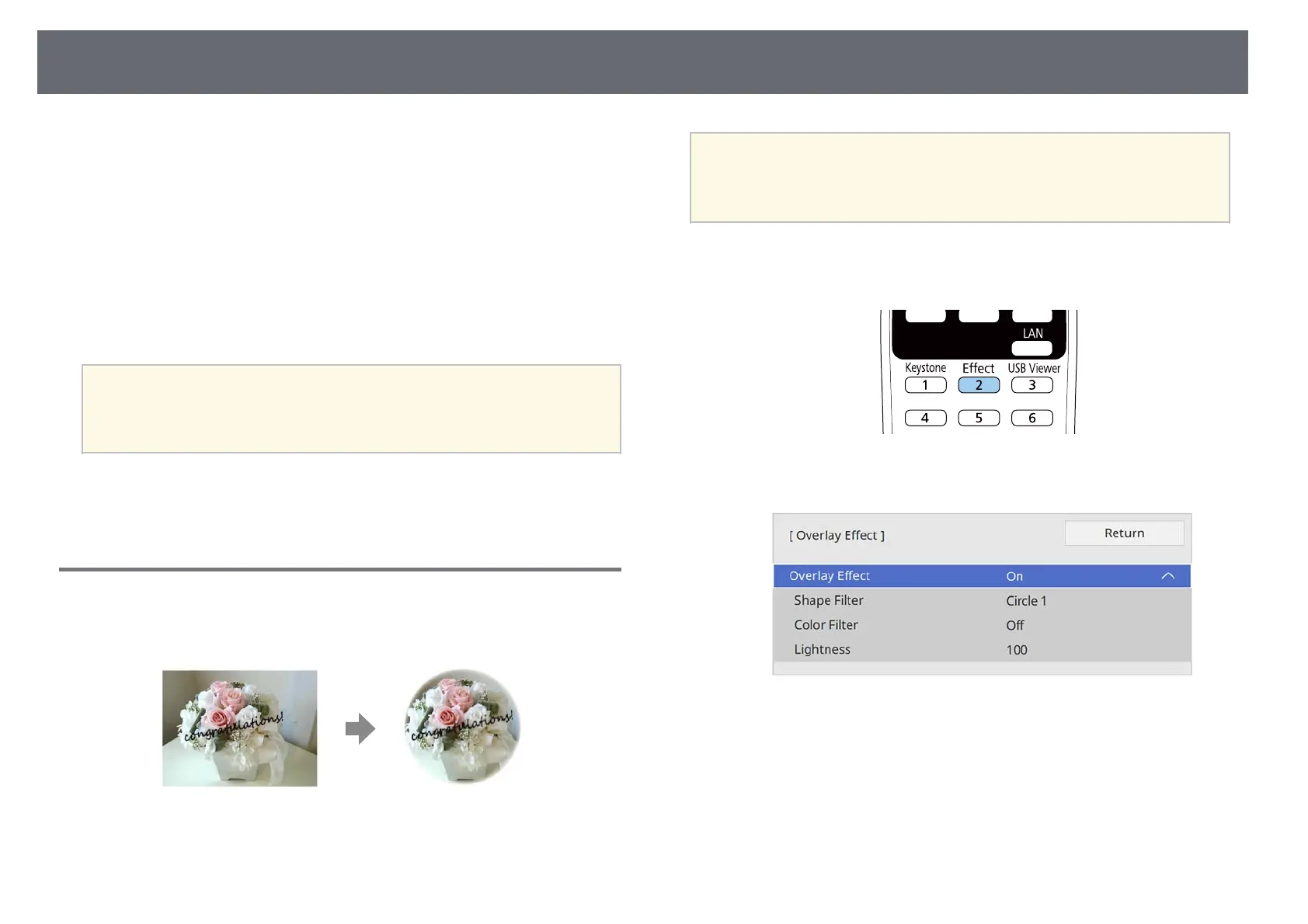
Adding Effects to Your Projected Image
You can add color and shape effects to the projected image in Content
Playback mode.
a
• To use the effect functions, make sure you perform Refresh Mode
regularly.
s Management > Refresh Mode
• This feature is not available when using the Edge Blending feature.
a
In Content Playback mode, press the [Effect] button on the remote
control.
b
Select On as the Overlay Effect setting and press [Enter].
c
Select Shape Filter and press [Enter].
d
Adjust each of the following options as necessary:
• Shape to select the shape effect you want from circles, rectangles, or
customized shapes.











 To Next Page