Setting the Date and Time
40
You can set the date and time for the projector.
a
Turn on the projector.
b
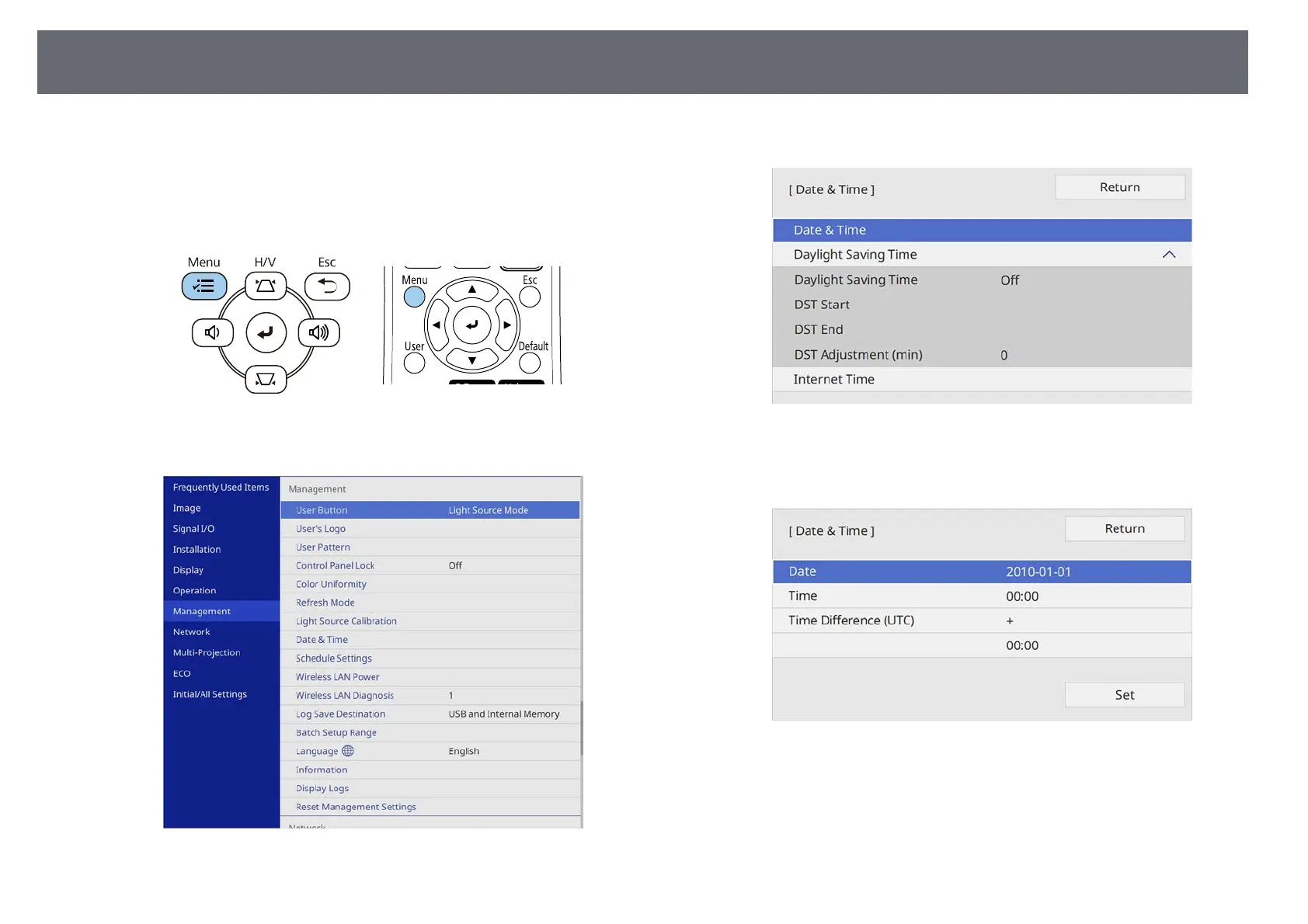
Press the [Menu] button on the control panel or remote control.
c
Select the Management setting and press [Enter].
d
Select the Date & Time setting and press [Enter].
e
Select the Date & Time setting and press [Enter].
You see this screen:
f
Select Date, press [Enter], and use the displayed keyboard to enter
today's date.
g
Select Time, press [Enter], and use the displayed keyboard to enter the
current time.











 To Next Page