Setting the Screen Type
45
You can use the Screen Type setting to match the aspect ratio of the displayed
image to the screen you are using.
a
You cannot change the Screen Type setting when the Content
Playback setting is set to On in the projector's Operation menu.
a
Turn on the projector and display an image.
b
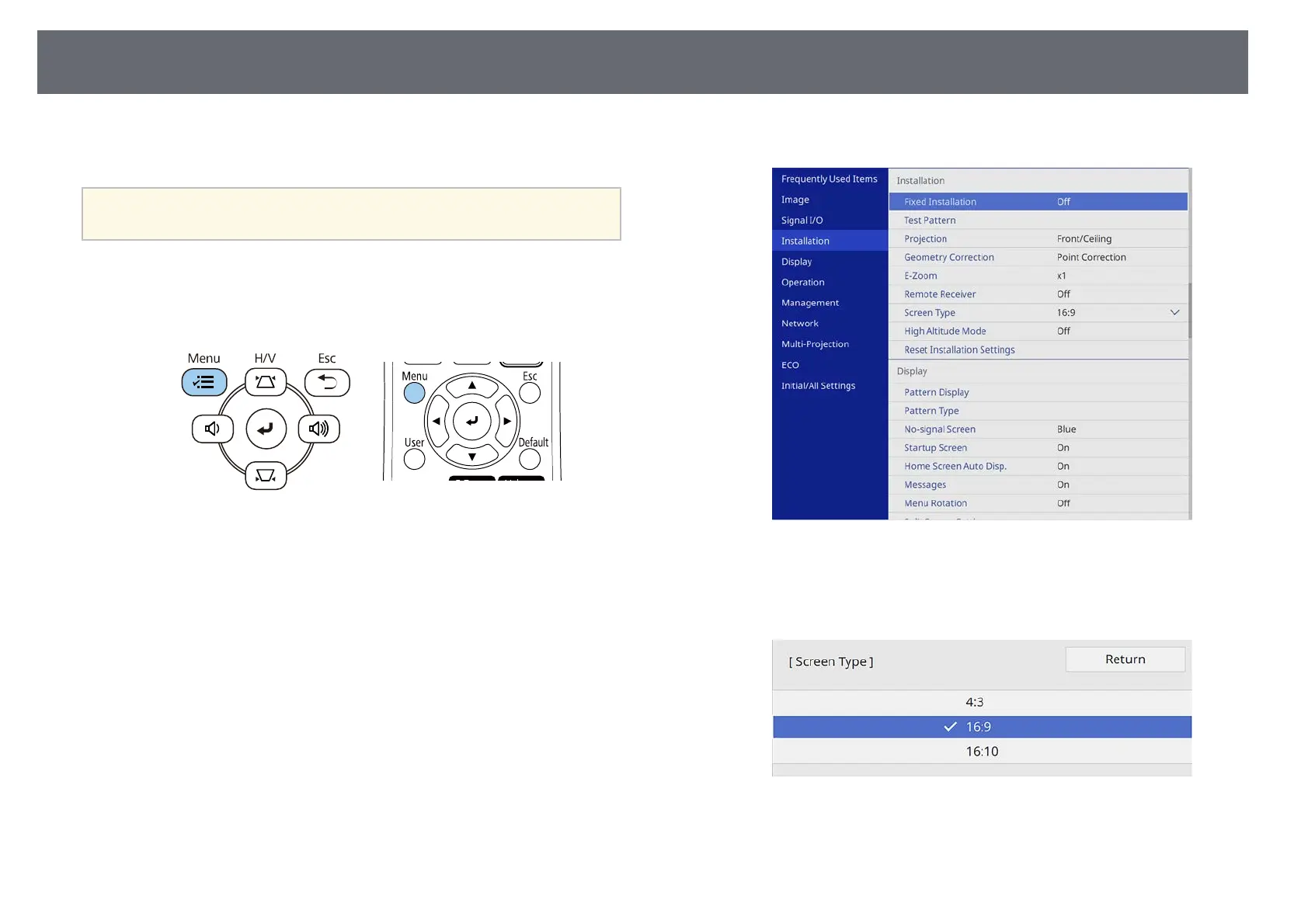
Press the [Menu] button on the control panel or remote control.
c
Select the Installation menu and press [Enter].
d
Select Screen Type and press [Enter].
e
Select your screen's aspect ratio and press [Enter].
f
Press [Menu] to exit the menus.











 To Next Page