Adjusting the Brightness
77
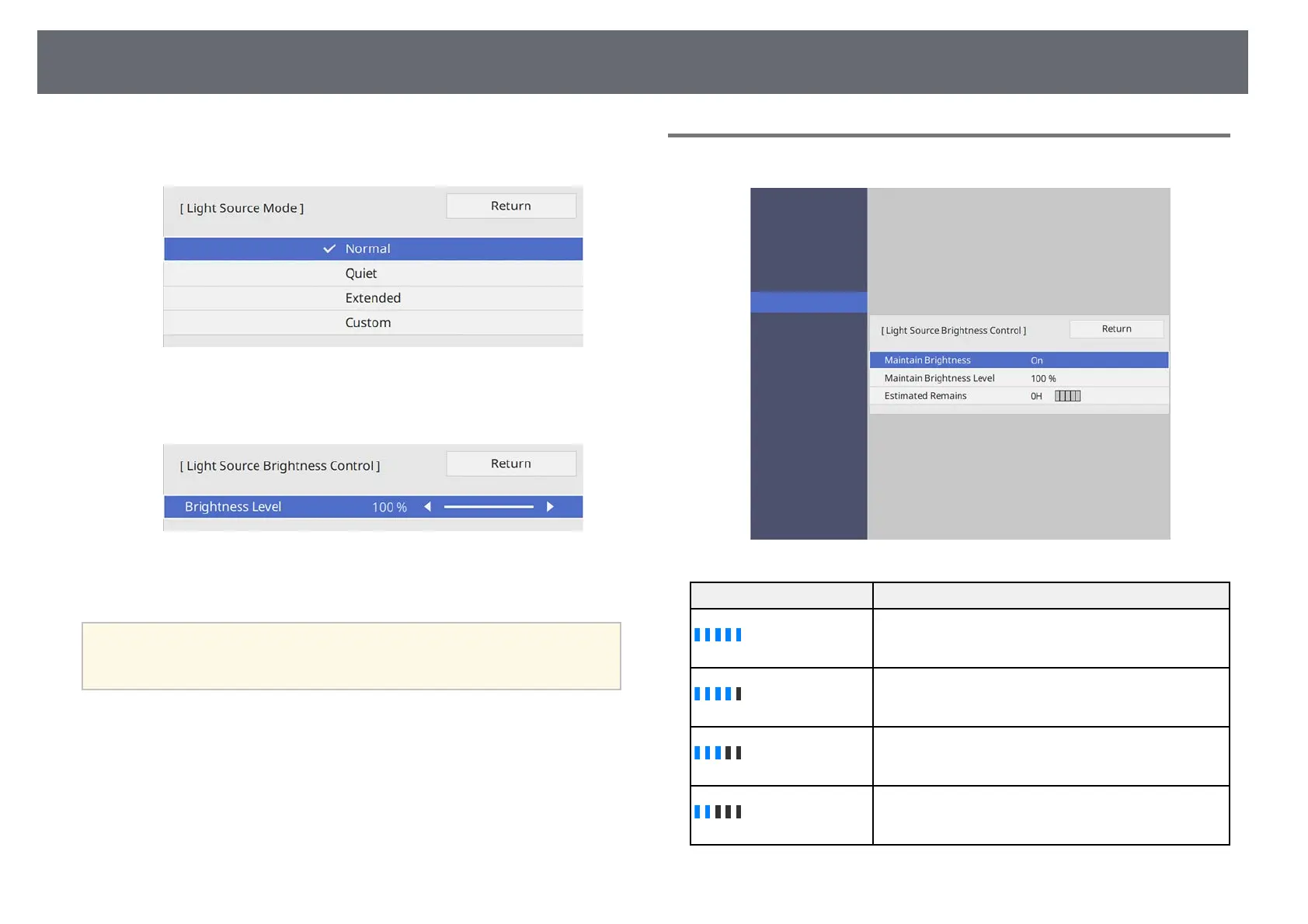
• Custom lets you to select a custom brightness level between 70 to
100%.
h
If you set the Light Source Mode setting to Custom, select Brightness
Level and use the left and right arrow buttons to select the brightness.
i
Press [Menu] or [Esc] to exit the menus.
a
For the best results in maintaining a constant brightness, set the Light
Source Calibration setting to Run Periodically in the projector's
Management menu.
gg Related Links
• "Constant Brightness Usage Hours" p.77
• "Light Source Operation Time" p.78
• "Projector Specifications" p.234
Constant Brightness Usage Hours
Display level Estimated remaining hours
10000 or more hours
8000 to 9999 hours
6000 to 7999 hours
4000 to 5999 hours











 To Next Page