Projector Parts and Functions
19
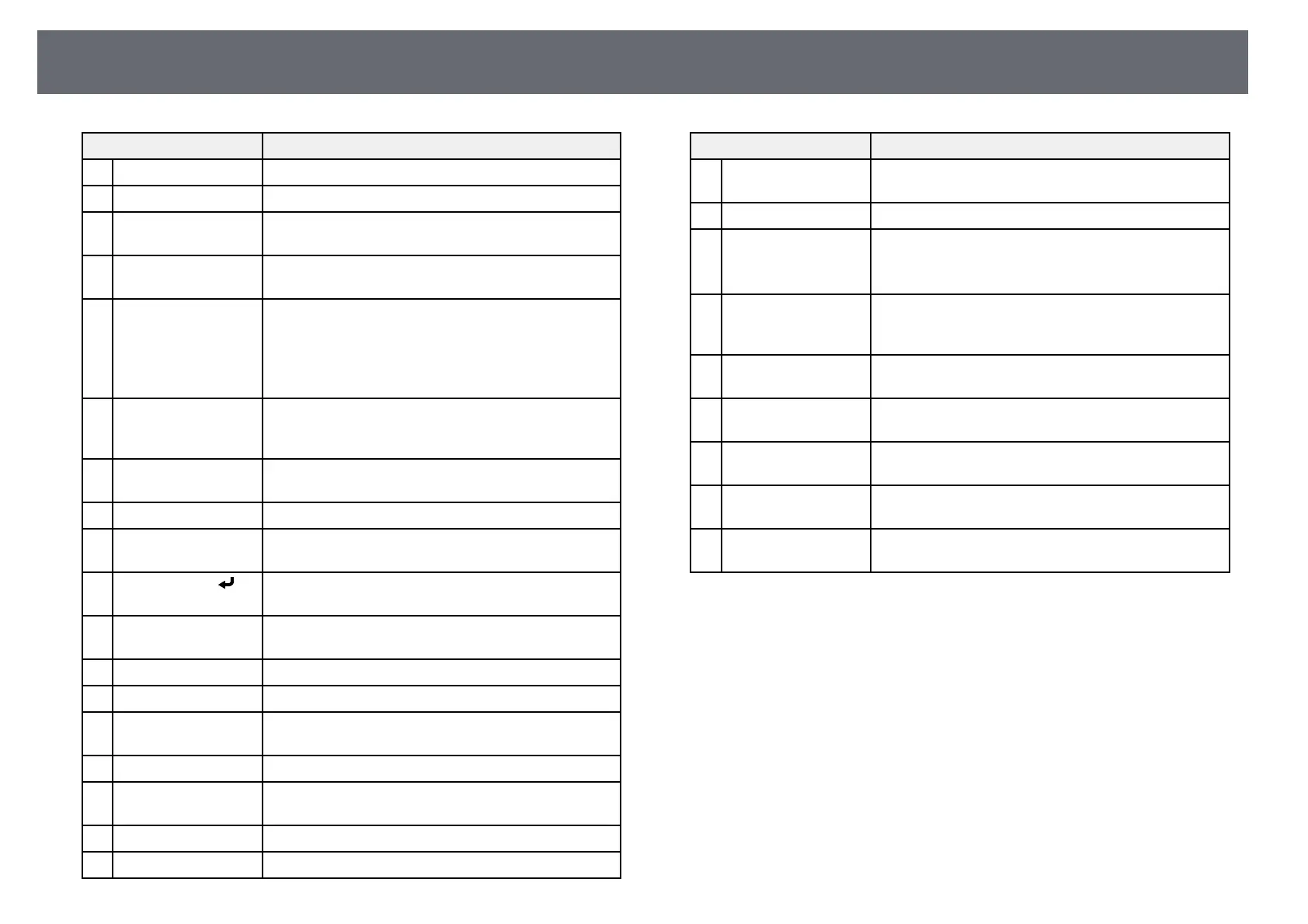
Name Function
B
[HDMI] button Switches the image source to the HDMI ports.
C
[Computer] button Switches the image source to the Computer ports.
D
[Keystone] button
(EB‑L255F/EB‑L250F)
Displays the Geometry Correction screen allowing you
to correct keystone distortion of the projected image.
E
[Effect] button
(EB‑L255F/EB‑L250F)
Displays the Overlay Effect menu in Content Playback
mode.
F
Numeric buttons Enters numbers in the projector's menu while holding
down the [Num] button.
In Content Playback mode, enter numbers while
holding down the [Num] button to play back your
favorite playlists (EB‑L255F/EB‑L250F).
G
[Auto] button When projecting an analog RGB signal from the
Computer port, optimizes the Analog Signal
Adjustment settings (Tracking, Sync., and Position).
H
[Num] button Hold down this button to enter numbers using the
numeric buttons.
I
[Menu] button Displays and closes the projector's menu.
J
Arrow buttons Selects menu items while displaying the projector's
menu.
K
[Enter] button [ ] Enters the current selection and moves to the next level
while displaying the projector's menu.
L
[User] button Performs settings assigned in the User Button setting
in the projector's Management menu.
M
[Color Mode] button Changes the color mode.
N
[Aspect] button Changes the aspect mode.
O
[E-Zoom] +/–
buttons
Resizes the projected image.
P
[A/V Mute] button Turns the video and audio on or off temporarily.
Q
[Split] button Projects up to four images from different image sources
simultaneously by splitting the projected screen.
R
[Home] button Displays and closes the Home screen.
S
[Freeze] button Pauses or resumes images.
Name Function
T
[Volume] up/down
buttons
Adjusts the speaker volume.
U
[Default] button Returns the selected setting to its default value.
V
[Esc] button Stops the current function.
Moves back to the previous menu level while
displaying the projector's menu.
W
[ID] button Hold down this button and press the numeric buttons
to select the ID for the projector you want to operate
using the remote control.
X
[USB Viewer] button
(EB‑L255F/EB‑L250F)
Starts the USB Viewer in Content Playback mode.
Y
[LAN] button Switches the image source between the network
connected devices.
Z
[USB] button Switches the image source between the USB Display
and USB-A port.
a
[Source Search]
button
Switches to the next input source.
b
Remote control light
emitting area
Outputs remote control signals.
gg Related Links
• "Projecting in Content Playback Mode" p.89
• "Adjusting Image Quality (Color Mode)" p.69
• "Image Aspect Ratio" p.64
• "Home Screen" p.37
• "Selecting an Image Source" p.62
• "Zooming In/Zooming Out of Images (E-Zoom)" p.98
• "Shutting Off the Image and Sound Temporarily" p.96
• "Projecting Multiple Images Simultaneously" p.81
• "Stopping Video Action Temporarily" p.97
• "Controlling the Volume with the Volume Buttons" p.79
• "Setting the Projector ID" p.105
• "Adjusting the Menu Settings" p.165











 To Next Page