Projector Connections
31
a
• Plug-in-power is not supported.
• If you want to output audio from a microphone when the projector
does not project any images, set the A/V Output setting to Always
On in the projector's Signal I/O menu.
• Adjust the Mic Input Level setting in the projector's Signal I/O
menu if the microphone audio is difficult to hear, or if it is too loud
resulting in a crackling sound.
a
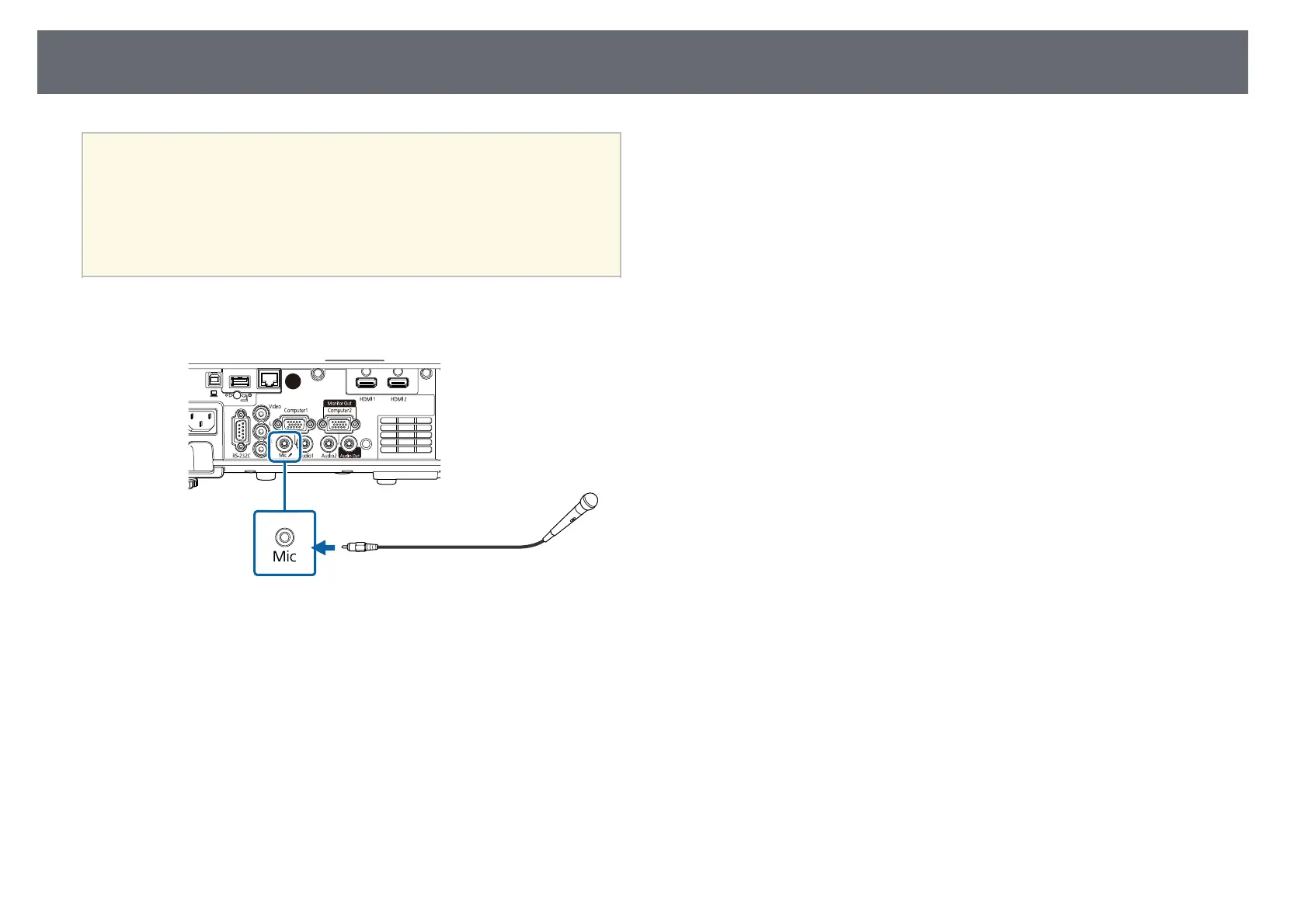
Connect the microphone cable to the projector's Mic port.
b
Turn on the microphone, if necessary.











 To Next Page