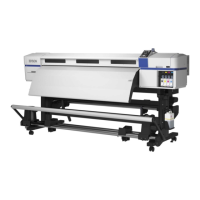
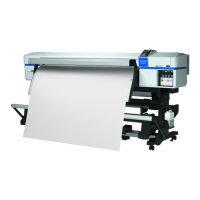
D Casters
There are two casters on each leg. Once installation is complete, the front casters should be kept locked while
the printer is in use.
E Adjusters
When installing on a carpeted floor or a sloping floor, check level gauge of the printer and adjust these to keep
the printer stable.
U Setup Guide
F AC inlet #1/AC inlet #2
Connects the power cable. Be sure to connect both cables.
G LAN port
Connects the LAN cable. Use a shielded twisted pair cable (category 5 or higher).
H Data lamp
The data lamp lights or flashes to indicate the network connection status and whether the printer is receiving
data.
On : Connected.
Flashing : Connected. Receiving data.
I Status lamp
The color indicates the network's communication speed.
Red : 100Base-TX
Green : 1000Base-T
J USB port
Connects the USB cable.
SC-S80600 Series/SC-S60600 Series/SC-S40600 Series User's Guide
Introduction
8



 To Next Page
 Loading...