c
Important:
If the administrator password has been set to the printer, make the password setting rst.
1. Display the device list, and select Options > Password manager.
2. Select Enable automatic password management and then click Password manager.
3. Select the target printer, and then click Edit.
4. Set the password, and then click OK .
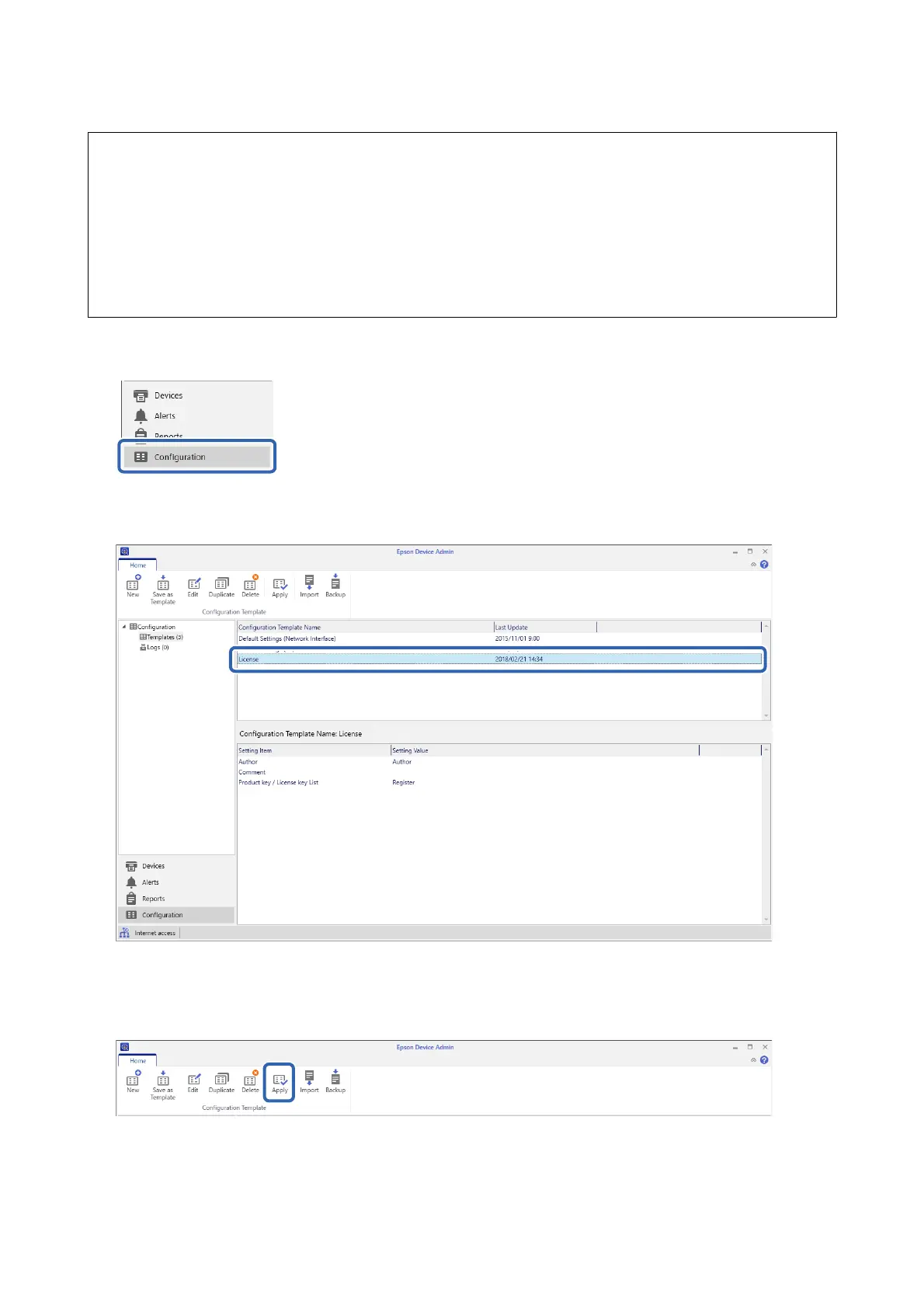
1. Select Conguration on the side bar task menu.
2. Select the conguration template you want to apply from Conguration Template Name.
3. Click Apply on the ribbon menu.
e
device selection screen is displayed.
Setup & Administration Guide
Information Registration and System Conguration
31



 To Next Page
 Loading...












