Note:
If you print a job without storing it in the printer, a report for Usage Per Department is not created.
8. Click Next.
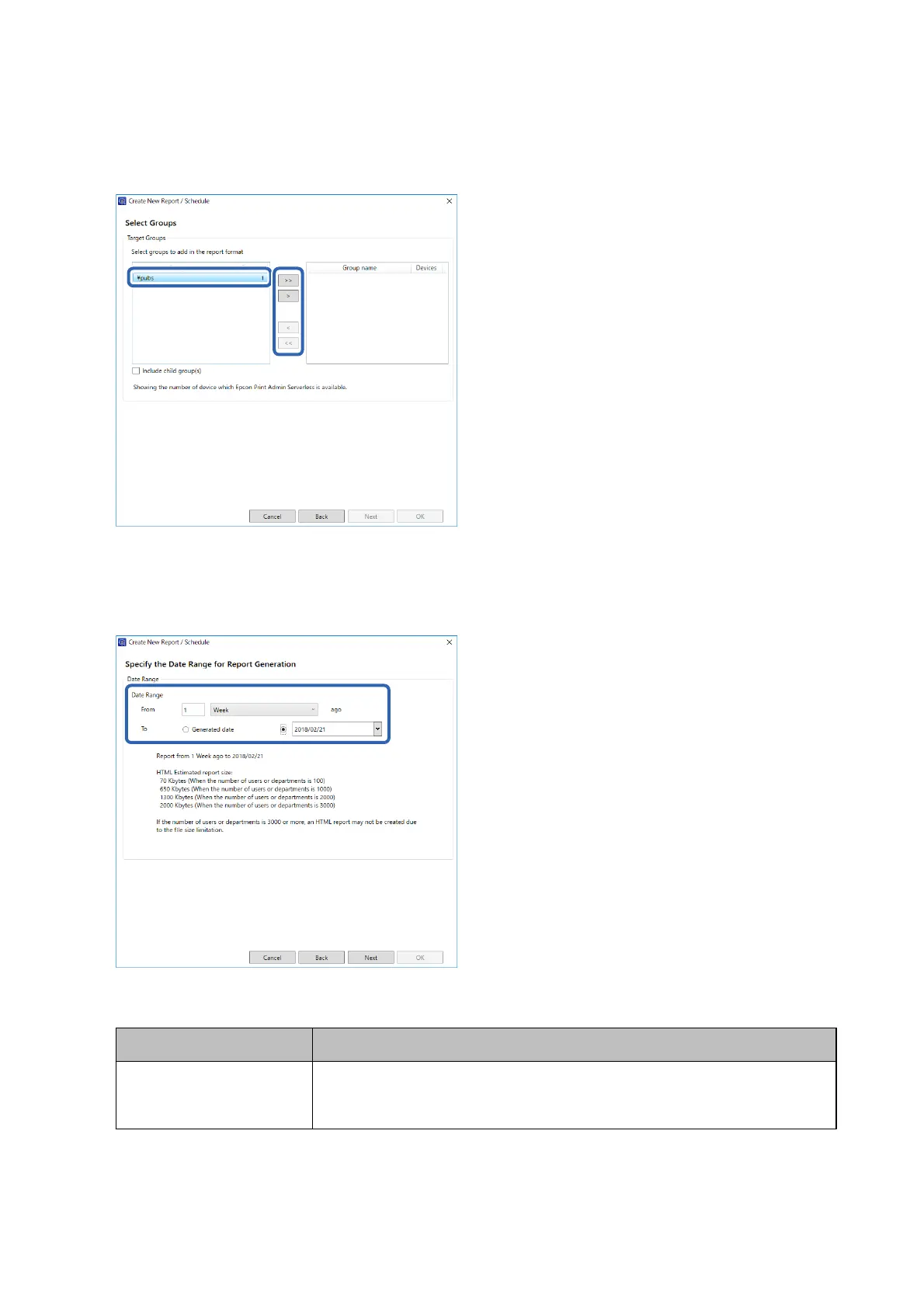
9. Specify the report range.
See the following to make the settings.
Item Explanation
Date Range Specify the report range from the date the report was created or by specifying a date
on the calendar. Specify by using a combination of any number over 1 and a day/
week/month/year.
10. Click Next.
Setup & Administration Guide
Operation and Management
87



 To Next Page
 Loading...












