Covers
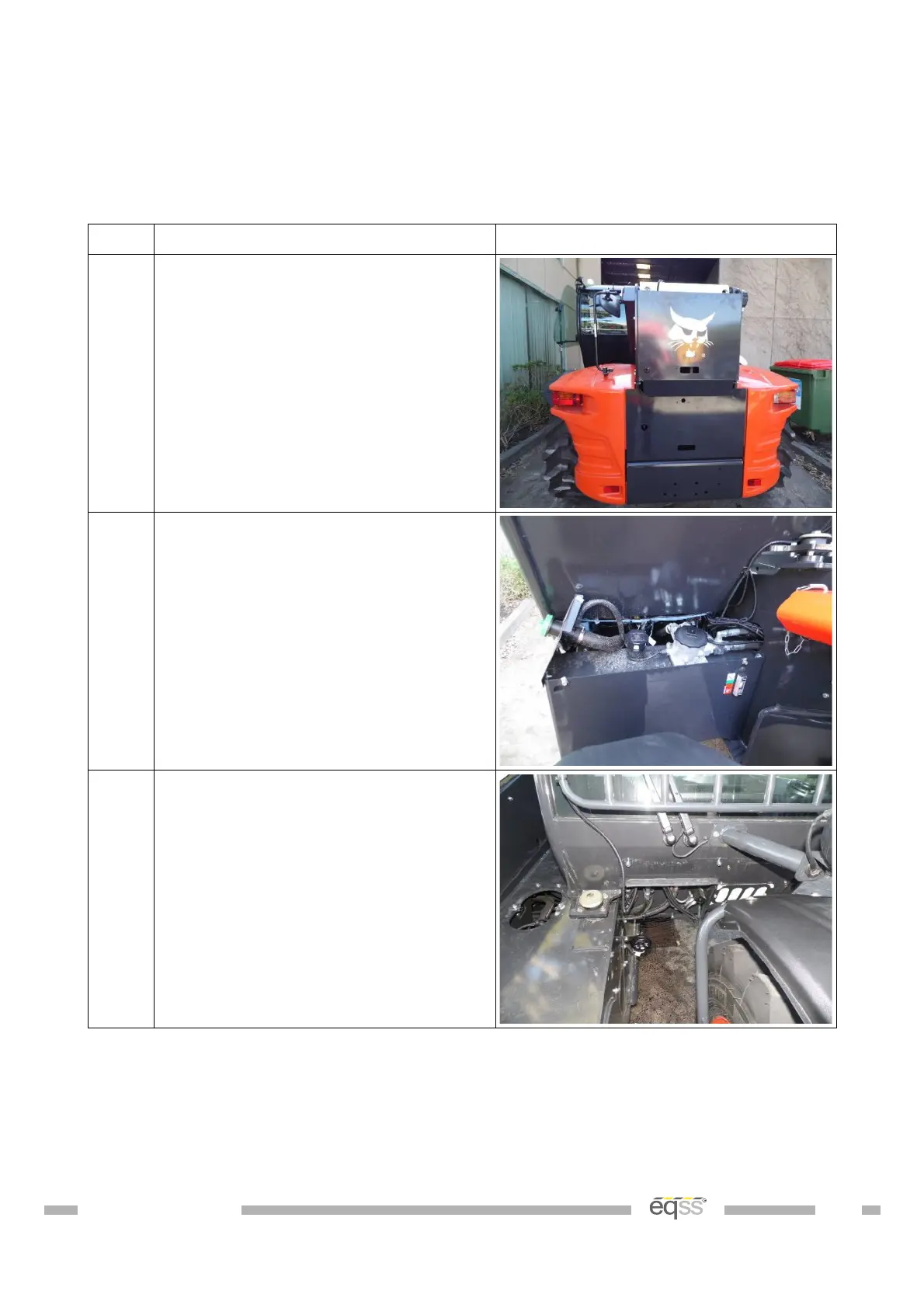
Remove the following covers before starting the installation
Step Description Diagram
1. Remove the rear covers.
2. Remove the cover behind the cabin
3. Remove the cover in front of the
cabin behind the front left wheel.
DO001547 VER: 2303241610 10 of 58



 To Next Page