Appendix A: Attaching Display
Connectors
The procedure below describes the correct method of attaching the cables to the screw
lock connectors on the display.
If the M12 screw lock connectors on the display are over
tightened, it will twist the connector pins attaching the
connector to the PCB.
Step Description Diagram
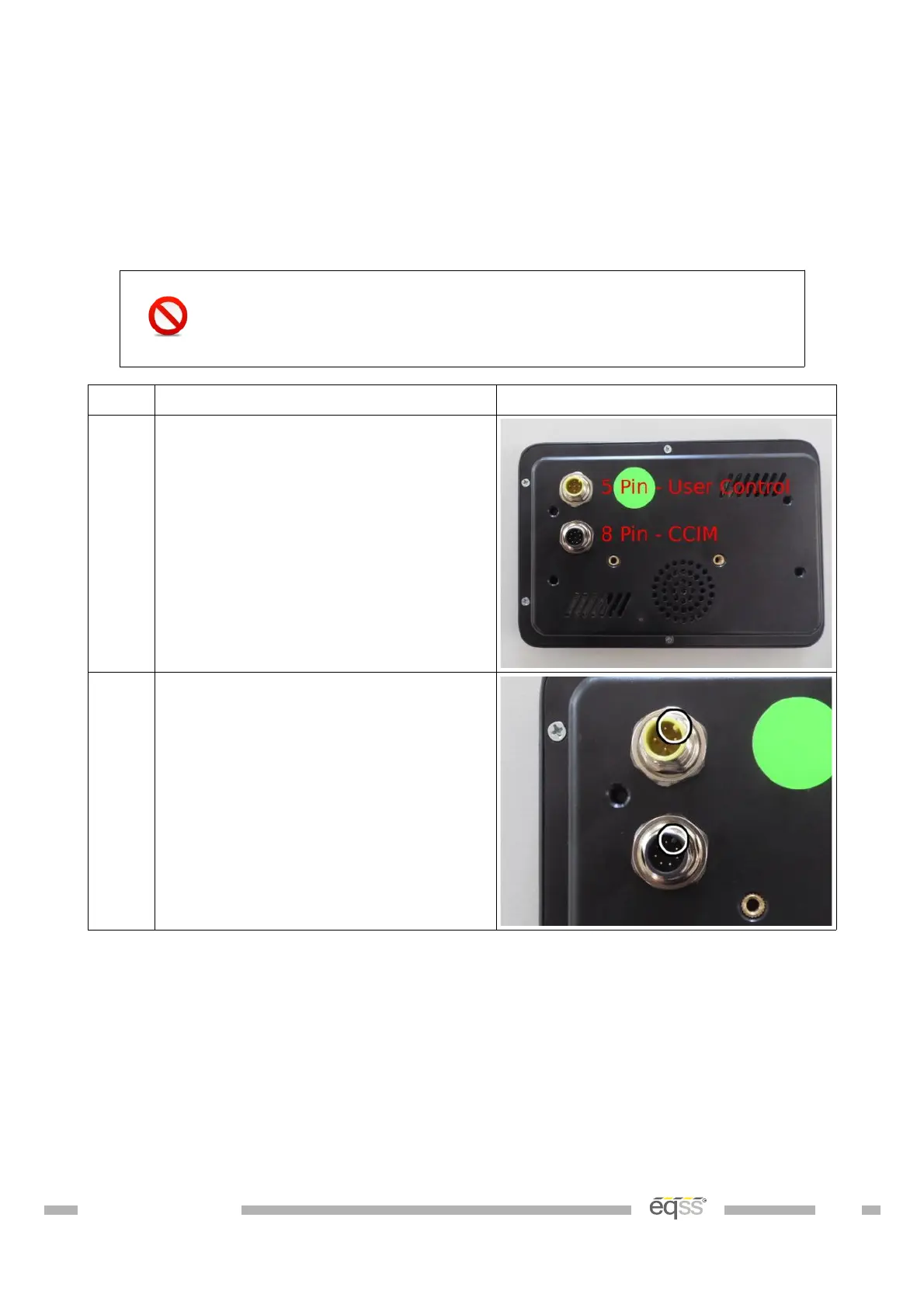
1. Connect the cable from the user
control to the top 5 pin connector on
the display.
Connect the cable from the CCIM to
the bottom 8 pin connector on the
display.
2. Line up the alignment hole on the
cable connector with the alignment
notch on the display connector.
DO001547 VER: 2303241610 52 of 58



 To Next Page