Step Description Diagram
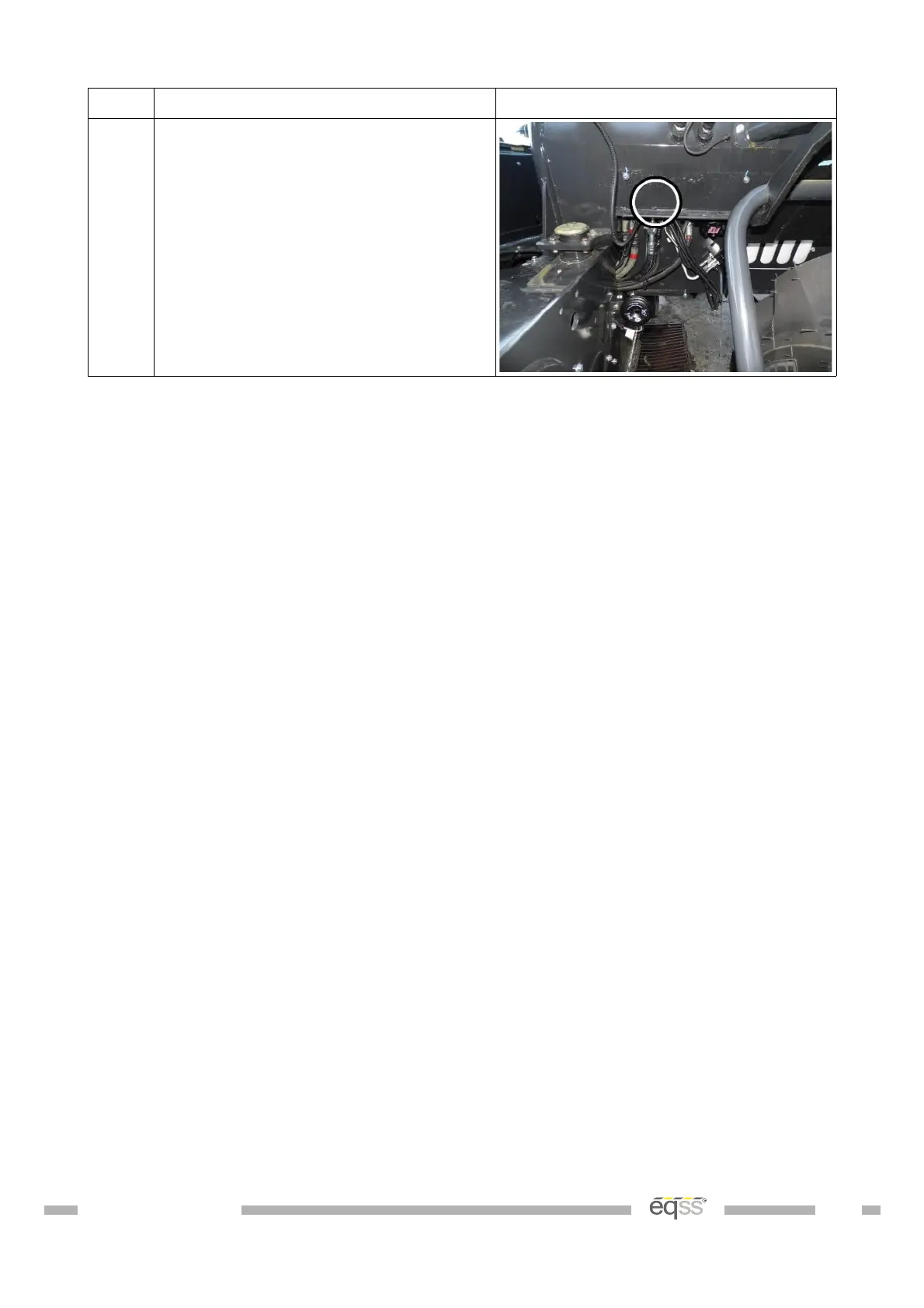
8. Run the CCIM and camera cable up
through the hole into the cabin.
Note: Pull a short length of cable
through into the cabin. Store excess
cable under the cabin.
Table 10: External Cable Completion
DO001547 VER: 2303241610 31 of 58



 To Next Page