Step Description Diagram
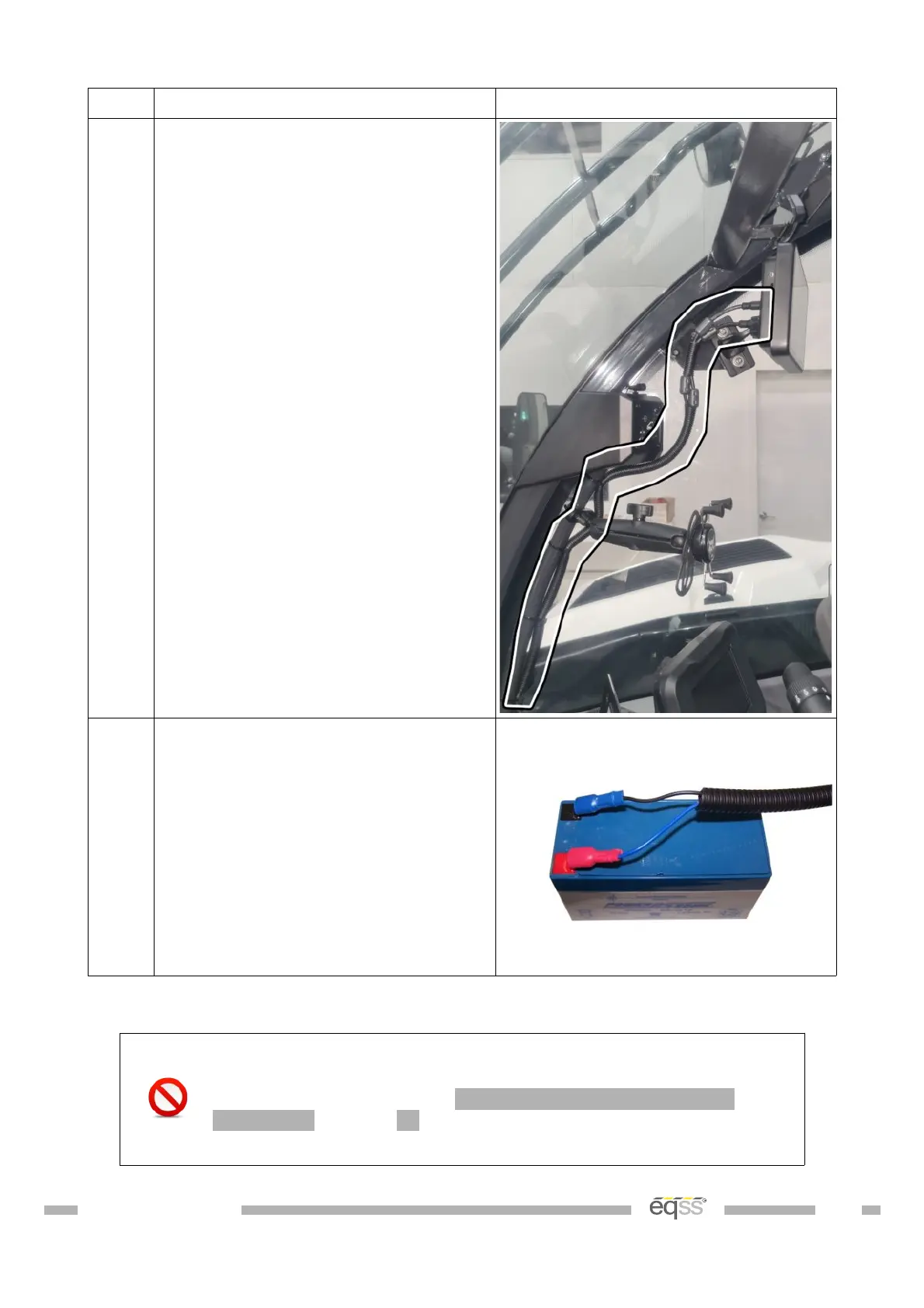
6. Run the cables through snake tube.
Cable tie to the tube running to the
LMI.
Connect into the 8 pin and 5 pin
connectors into the display
7. Connect the spade lug on the black
wire to the negative (black) battery
terminal on the backup battery.
Connect the spade lug on the blue
wire to the positive (red) battery
terminal on the backup battery.
Table 15: Cabin Loom Installation
connector to the PCB. See Appendix A: Attaching Display
the display connectors.



 To Next Page