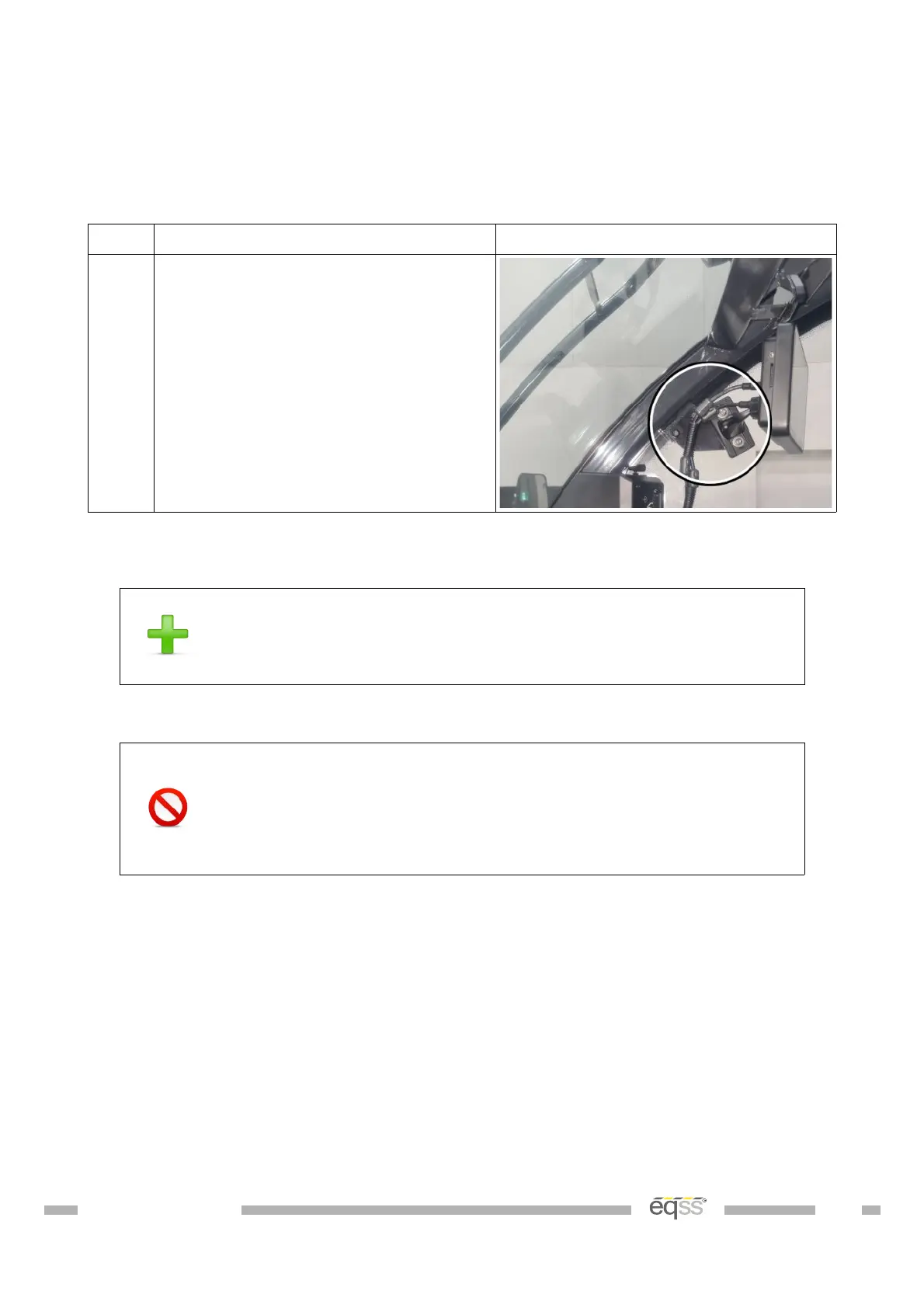
Display Installation
The display shows the current safety status of the telehandler.
Step Description Diagram
1. Remove the rear mirror from the
right column.
Use the existing bolts to mount the
display adaptor bracket to the rear
mirror mount.
Table 11: Display Installation
Adjust the display bracket for optimal viewing angle once the
display is powered
If the M12 screw lock connectors on the display are over
tightened it will twist the connector pins attaching the
connector to the PCB. See Appendix A: Attaching Display
Connectors on page 52 for the correct method of attaching to
the display connectors.
DO001547 VER: 2303241610 32 of 58



 To Next Page