Appendix B: Reattach Ferrites
If the clip-on ferrites on the displays are removed during installation, they will need to be
reattached as shown in the procedure below.
If the ferrites are not reinstalled or attached in the specified
location the Gen3-LMS kit will not meet the AS/NZS CISPR
22:2006 certification.
Step Description Diagram
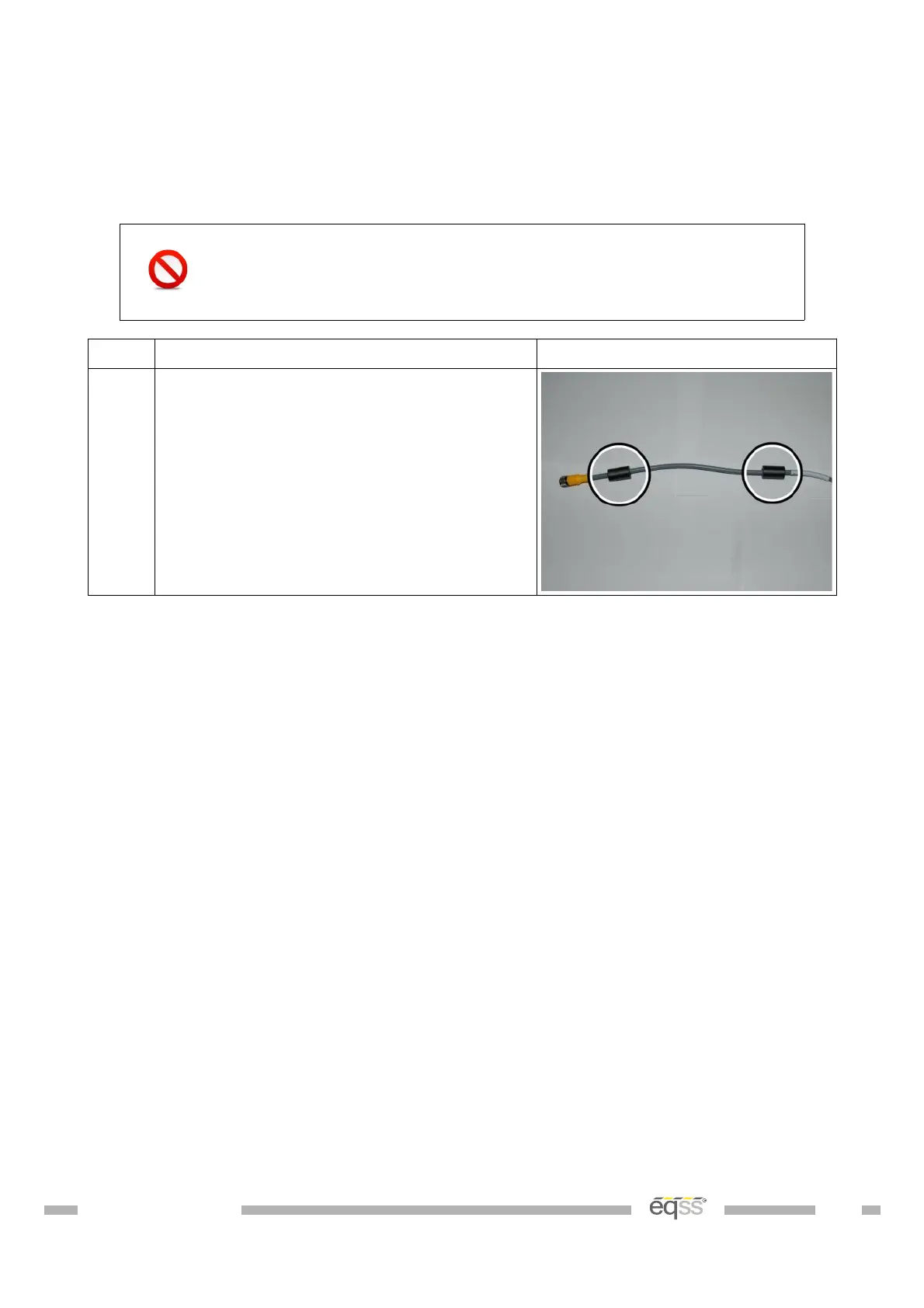
1. Attach the two clip-on ferrites at a
location of 60 mm and 260 mm from the
start of the connector to the start of the
ferrite.
Do this for both the CCIM and user
control cables that plug into the display.
Table 19: Reattach Ferrites Procedure
DO001547 VER: 2303241610 56 of 58



 To Next Page