User Control
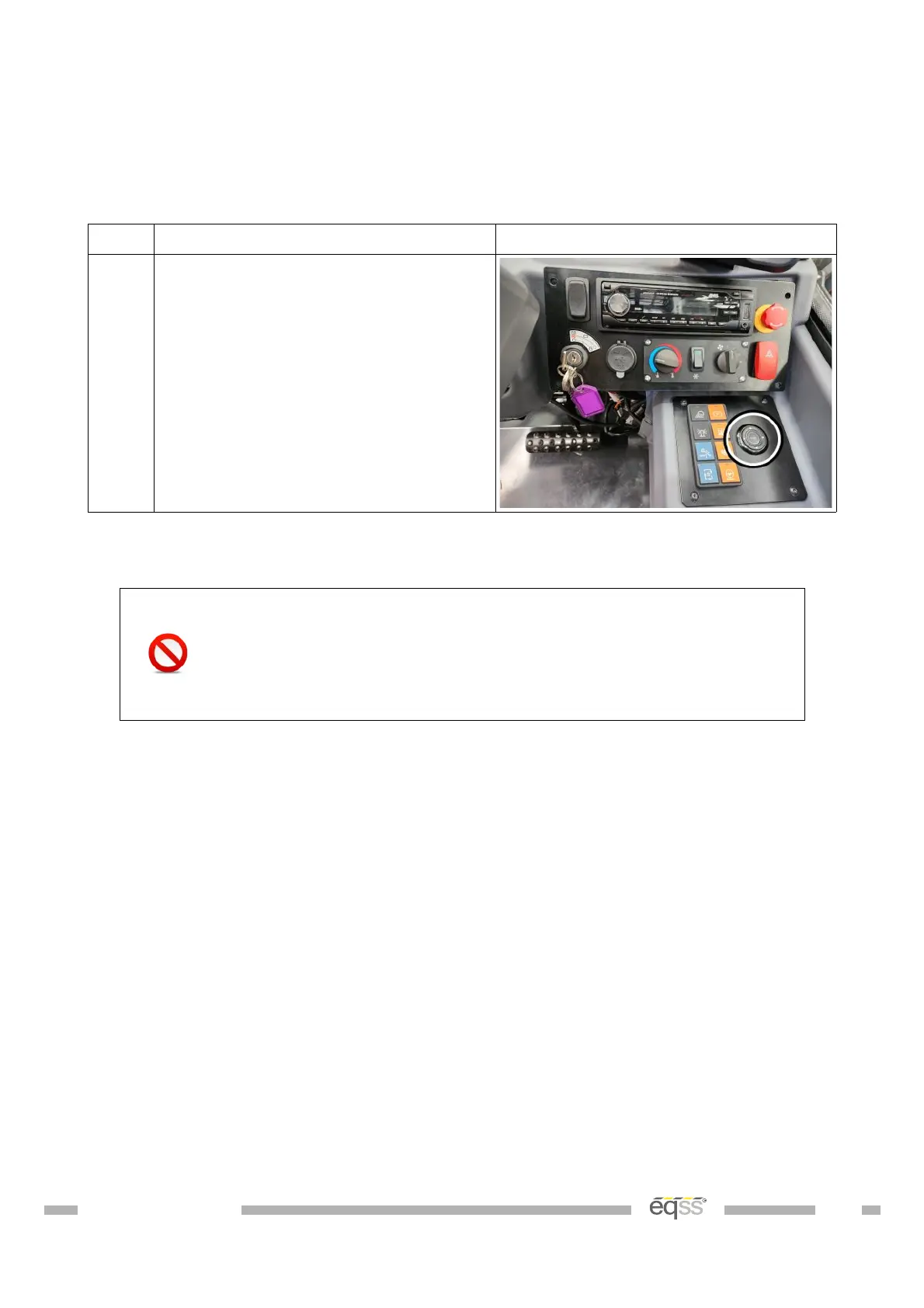
The user control consists of a single dial switch mounted in the dashboard.
Step Description Diagram
1. Drill a 39 mm hole into the switch
panel below the dashboard as
shown.
Install the user control dial in the
dashboard, aligned so the Enter cap
is facing up.
Table 12: User Control Installation
If the M12 screw lock connectors on the display are over
tightened it will twist the connector pins attaching the
connector to the PCB. See Appendix A: Attaching Display
Connectors on page 52 for the correct method of attaching to
the display connectors.
DO001547 VER: 2303241610 33 of 58



 To Next Page