system is operating as this can damage the fuse.
Step Description Diagram
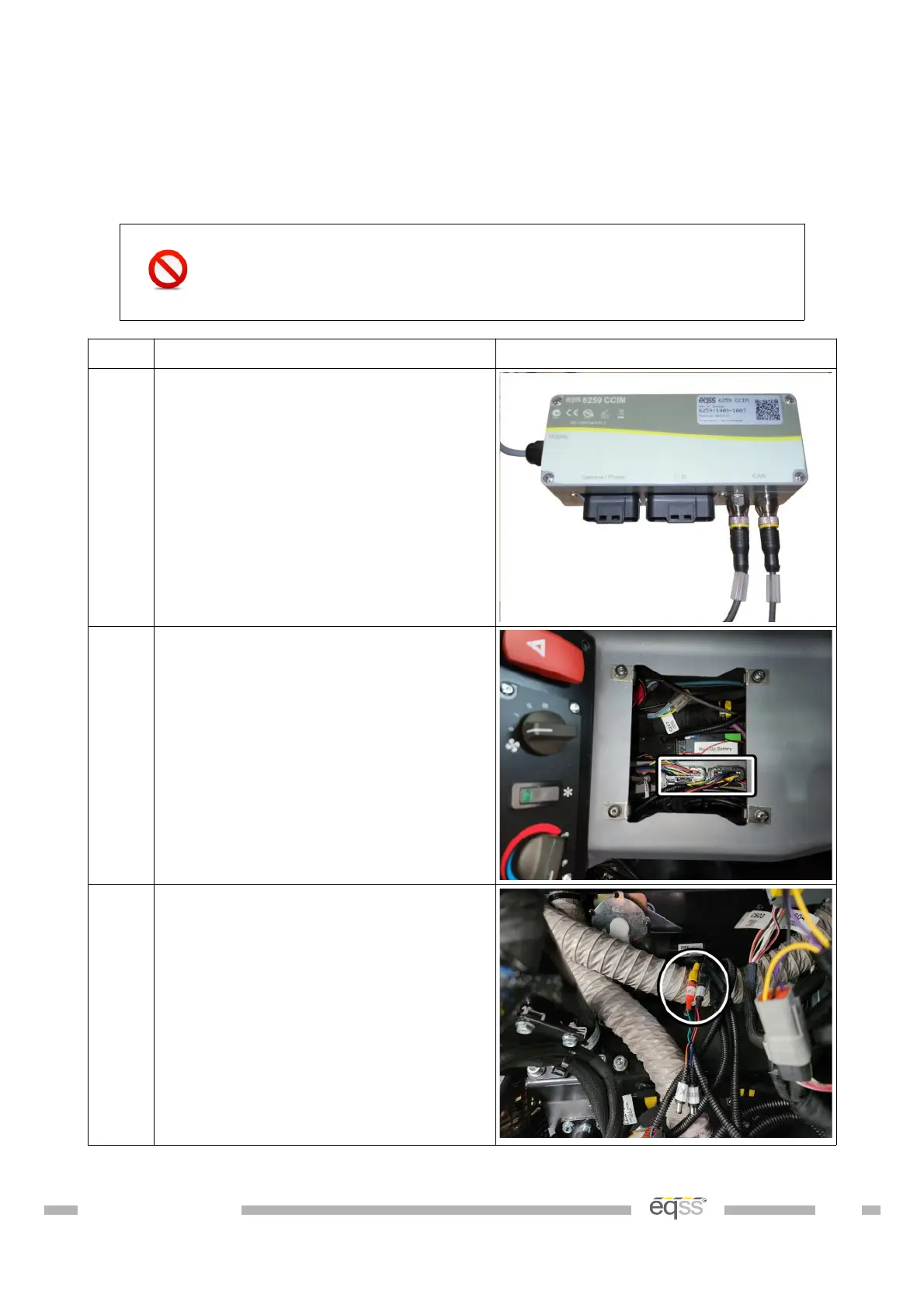
1. Connect the CCIM and signal light
cables to the M12 connectors on the
CCIM.
Note: It doesn't matter which of the
M12 connectors the CCIM and signal
light cables are plugged into.
2. Connect the power/camera and IO
harnesses to the CCIM bulk head
connectors
3. Connect the forward camera cable to
the power/camera harness.
Note; The rear camera connections
are not used and the white
connector is not used.
DO001547 VER: 2303241610 38 of 58



 To Next Page