Step Description Diagram
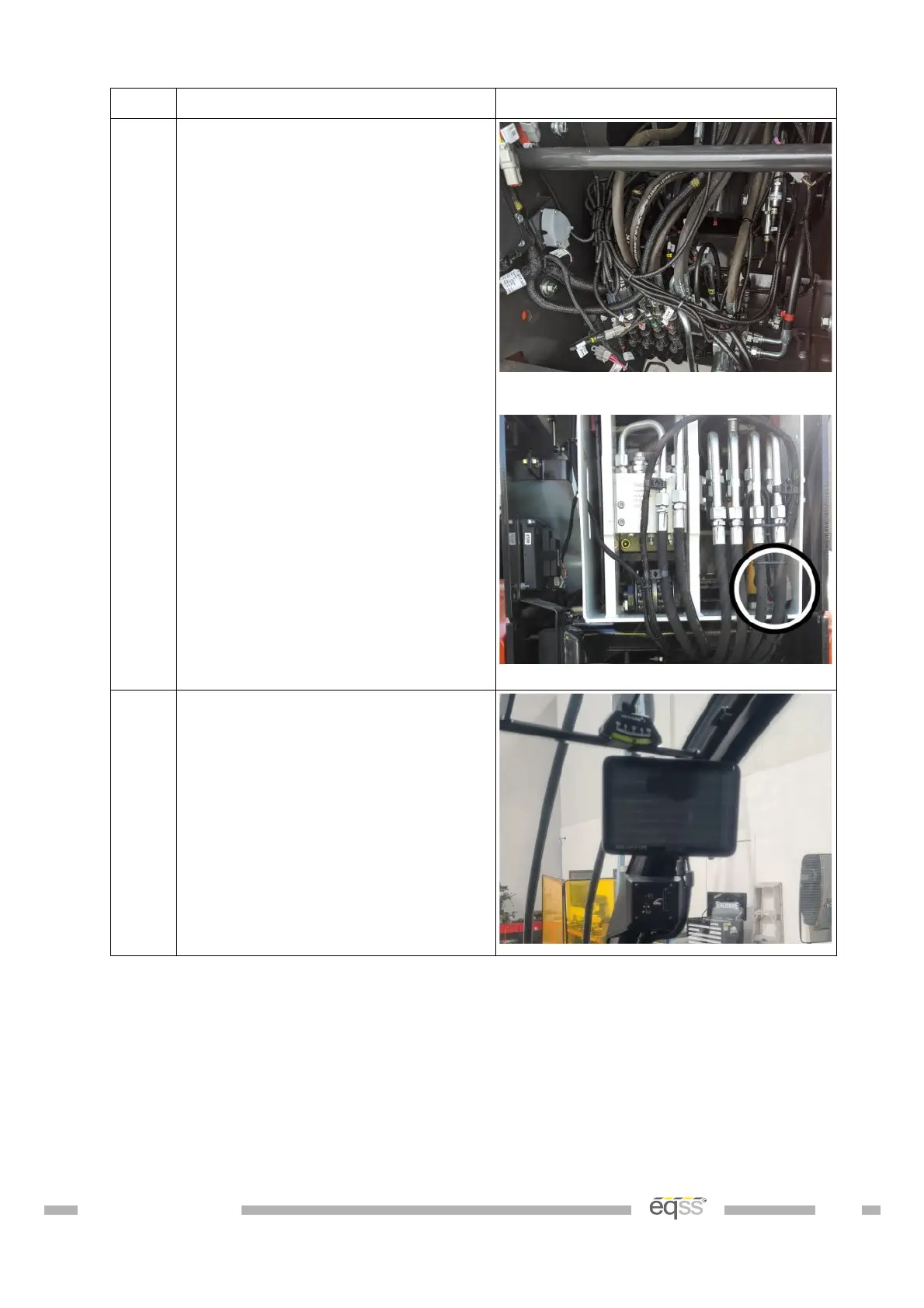
3. Reconnect the tee connectors
back into the spool assembly and
the lock pin cable through boom
connection.
Note: Make sure the connections
for the cable through boom are
placed behind the hydraulic pipes
so as not to get crushed against
the rear cover once installed.
View from rear of machine
View from rear of machine
4. Turn the machine onto first
stage /accessories and ensure the
system is activated.
Adjust the display bracket for
optimal viewing
Press the top of the Camera
switch to active the forward
camera. Adjust the forward
camera so the front right wheel is
visible.
DO001547 VER: 2303241610 43 of 58


 To Next Page