LIP-8008E User Guide
49
To set LLDP:
• In Network Config. Menu, use VOL ▲▼ buttons to locate the
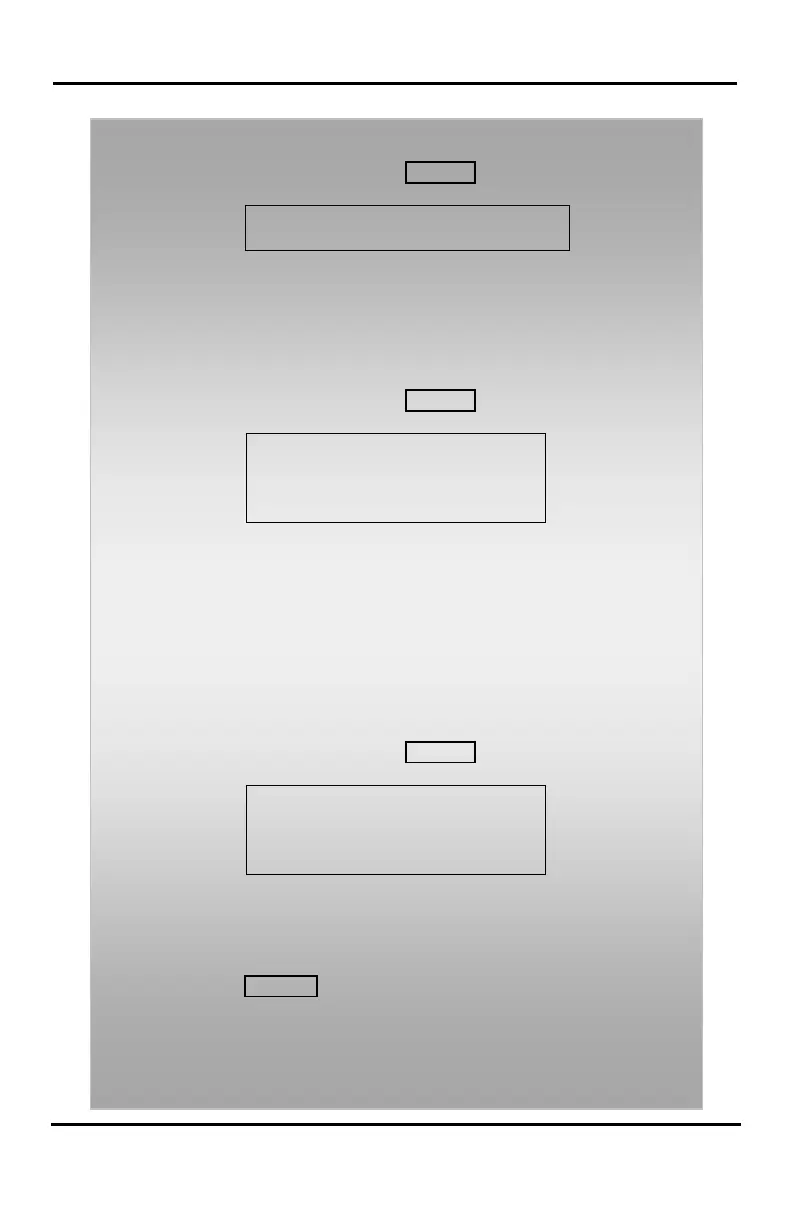
802.1x configuration screen (shown),
•
• Enable in LLDP? menu and press the Hold/Save button.
To configure 802.1x:
• In Network Config. Menu, use VOL ▲▼ buttons to locate the
802.1x configuration screen (shown),
• [ENABLED] –
CHANGE[#]
•
• Enable in 802.1x menu and press the Hold/Save button.
• Enter ID in 802.1x USER ID menu (It appears when 802.1x is
enabled.) and press the Hold/Save button.
• Enter Password in 802.1x PASSWORD menu (It appears when
802.1x is enabled.) and press the Hold/Save button.
To set default Config. settings:
• In Network Config. Menu, use VOL ▲▼ buttons to locate the
Default Config. Screen (shown),
CONFIG(DOT:*)
•
•
• Press the * key.
To exit Config. settings:
• Press the SPEAKER button,
• Press the * key to exit,
OR
• Press the # key to Reset/Reboot the phone with new setting.









 To Next Page