LIP-8040E Gigabit Phone User Guide
9
2.2.1 Phone Setting
In iPECS-MG
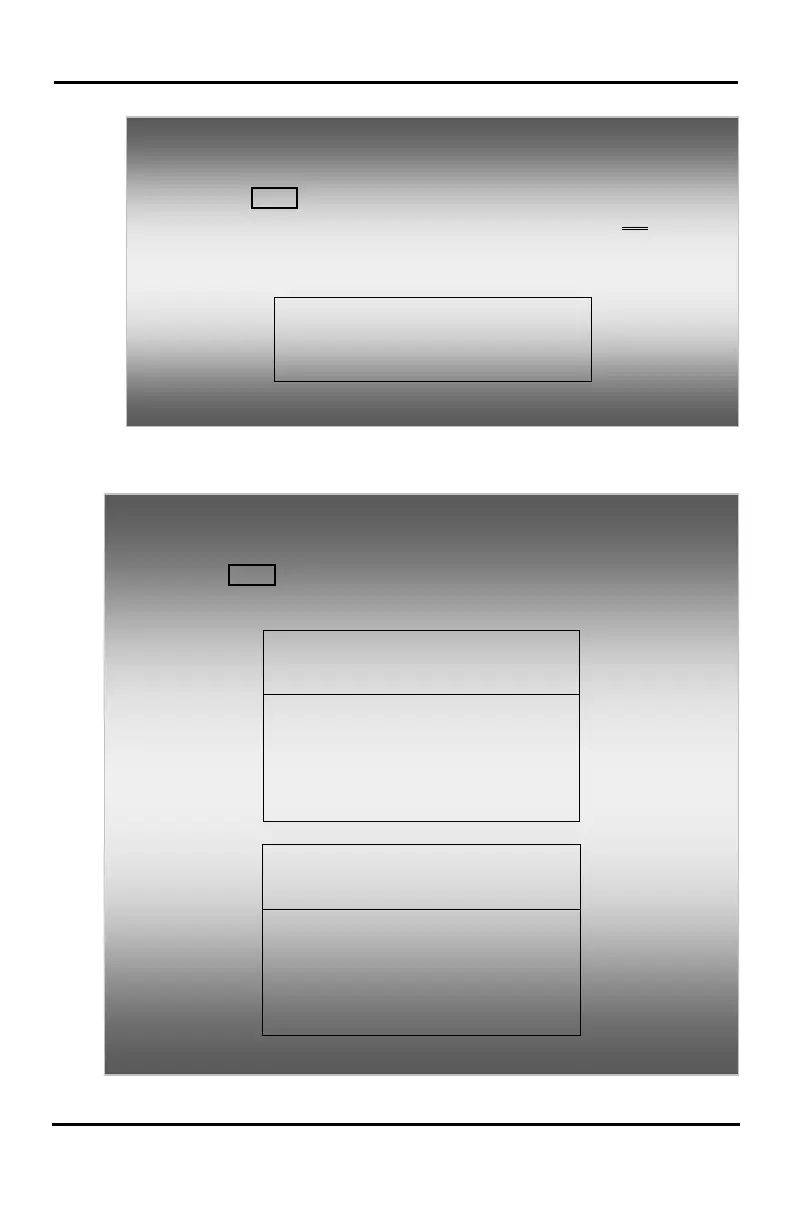
To activate the Display Menu:
• Press MENU button,
• Press the Navigation up/down buttons and press the OK Soft
button to select,
OR
• Dial the associated digit (Menu selections shown):
1. PHONE SETTING
2. NETWORK CONFIG
In iPECS-LIK, iPECS SBG-1000
To configure the Phone:
• Press MENU button and 1 (Phone Setting),
• The following menu displays:
SELECT (1 - 8)
2. ICM RING
3. CO RING
4. PASSWORD PROGRAM
5. LANGUAGE PROGRAM
SELECT (1 - 8)
6. STA RING DOWNLOAD
7. BACKLIGHT
8. FONT PROGRAM









 To Next Page